

Skip to content
View in the app

A better way to browse. Learn more.

amnhac.me

A full-screen app on your home screen with push notifications, badges and more.

To install this app on iOS and iPadOS
  1. Tap the Share icon in Safari
  2. Scroll the menu and tap Add to Home Screen.
  3. Tap Add in the top-right corner.
To install this app on Android
  1. Tap the 3-dot menu (⋮) in the top-right corner of the browser.
  2. Tap Add to Home screen or Install app.
  3. Confirm by tapping Install.
ĐĂNG KÝ THÀNH VIÊN

Joker

Quản Trị
  • Joined

Files posted by Joker

    • 2 Downloads
    Updated
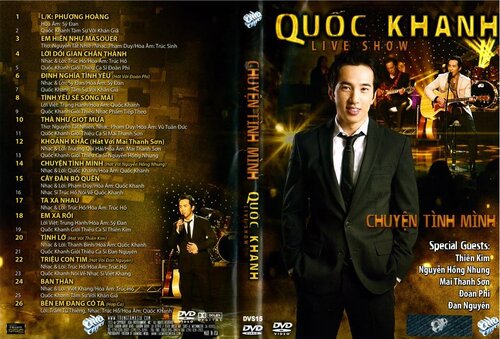
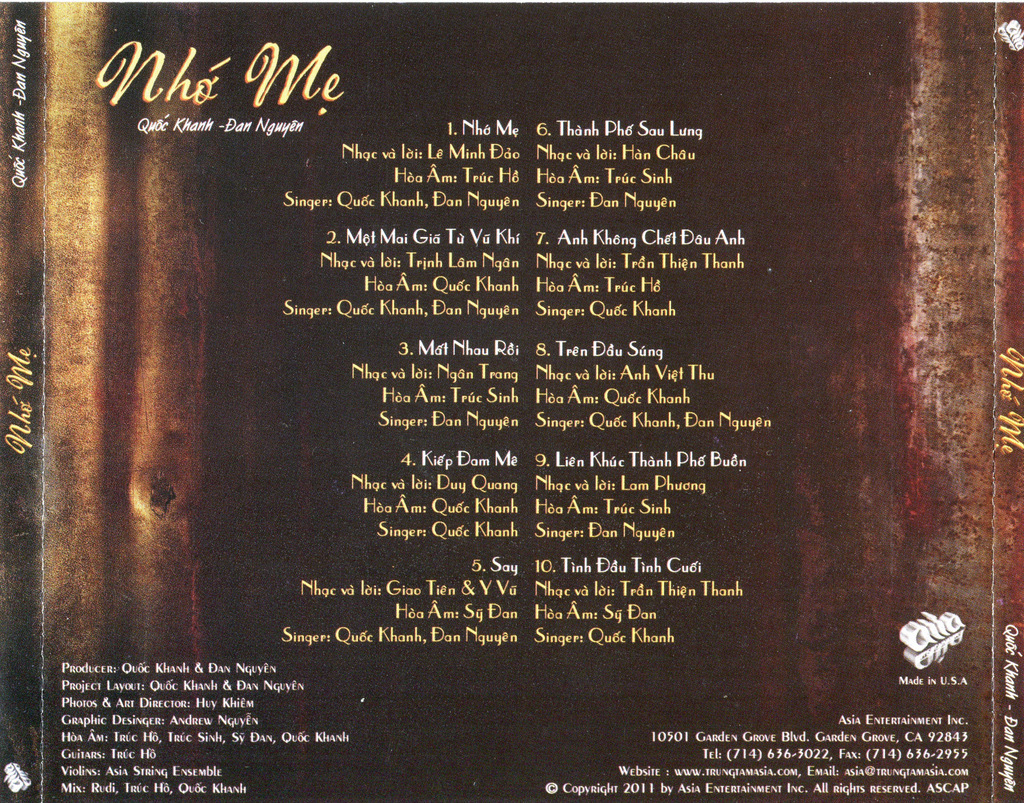
  1. 1. Liên Khúc: Phượng Hoàng - Quốc Khanh
    2. Em Hiền Như Masouer - Quốc Khanh
    3. Lời Dối Gian Chân Thành - Quốc Khanh
    4. Định Nghĩa Tình Yêu - Quốc Khanh, Đoàn Phi
    5. Tình Yêu Sẽ Sống Mãi - Quốc Khanh
    6. Thà Như Giọt Mưa - Quốc Khanh
    7. Khoảnh Khắc - Quốc Khanh, Mai Thanh Sơn
    8. Chuyện Tình Mình - Quốc Khanh, Nguyễn Hồng Nhung
    9. Cây Đàn Bỏ Quên - Quốc Khanh
    10. Ta Xa Nhau - Quốc Khanh
    11. Xa Em Rồi - Quốc Khanh
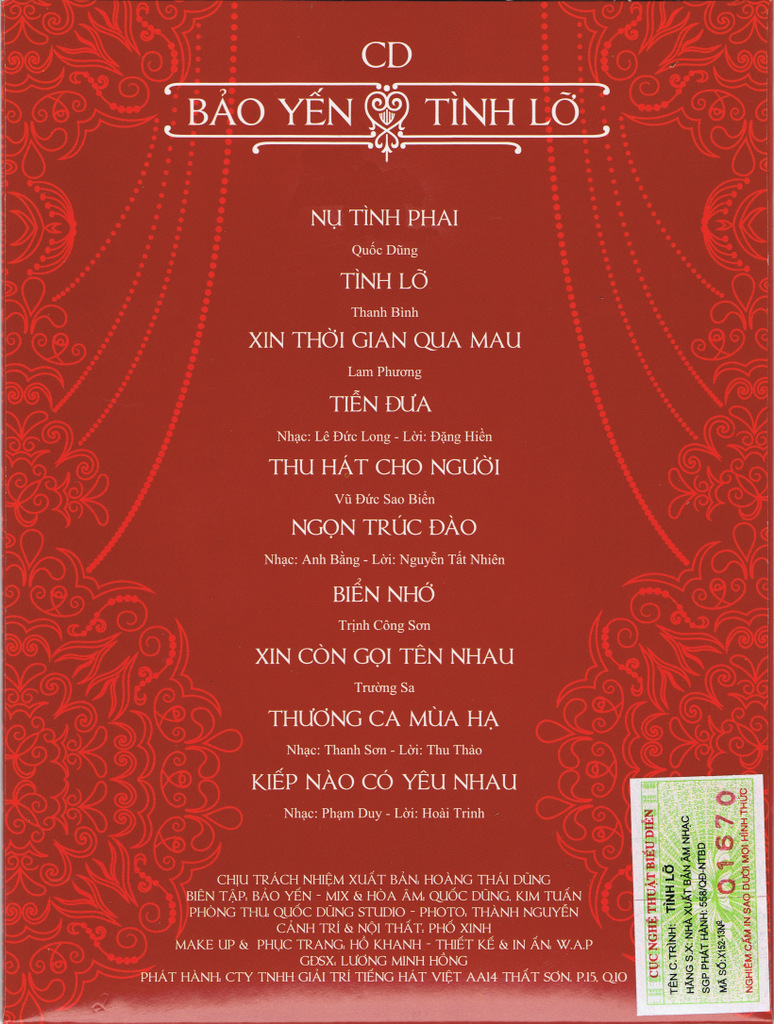
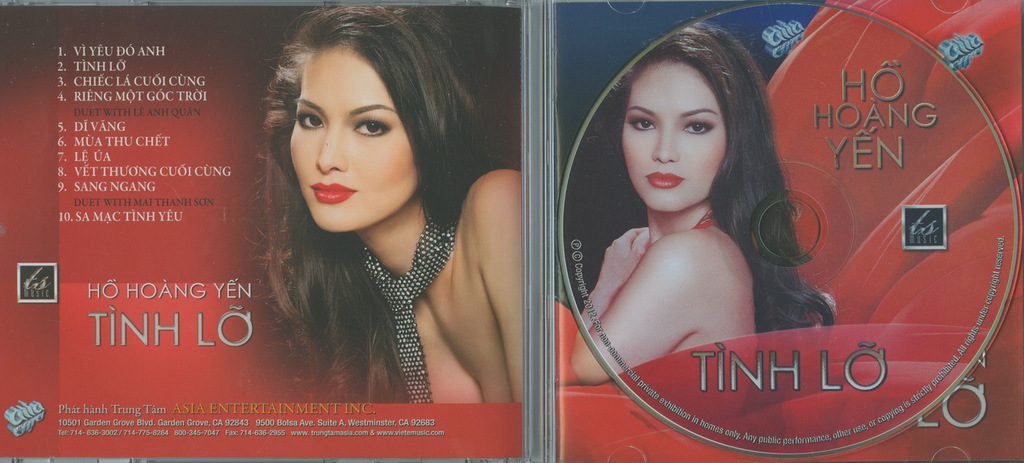
    12. Tình Lỡ - Quốc Khanh, Thiên Kim
    13. Triệu Con Tim - Quốc Khanh, Đan Nguyên
    14. Bạn Thân - Quốc Khanh
    15. Bên Em Đang Có Ta - Hợp Ca
    • 0 Downloads
    Updated
    • 3 Downloads
    Updated
    • 4 Downloads
    Updated

Account

Navigation

Search

Search

Configure browser push notifications

Chrome (Android)
  1. Tap the lock icon next to the address bar.
  2. Tap Permissions → Notifications.
  3. Adjust your preference.
Chrome (Desktop)
  1. Click the padlock icon in the address bar.
  2. Select Site settings.
  3. Find Notifications and adjust your preference.