

Skip to content
View in the app

A better way to browse. Learn more.

amnhac.me

A full-screen app on your home screen with push notifications, badges and more.

To install this app on iOS and iPadOS
  1. Tap the Share icon in Safari
  2. Scroll the menu and tap Add to Home Screen.
  3. Tap Add in the top-right corner.
To install this app on Android
  1. Tap the 3-dot menu (⋮) in the top-right corner of the browser.
  2. Tap Add to Home screen or Install app.
  3. Confirm by tapping Install.
ĐĂNG KÝ THÀNH VIÊN

Joker

Quản Trị
  • Joined

Everything posted by Joker

    • 0 downloads
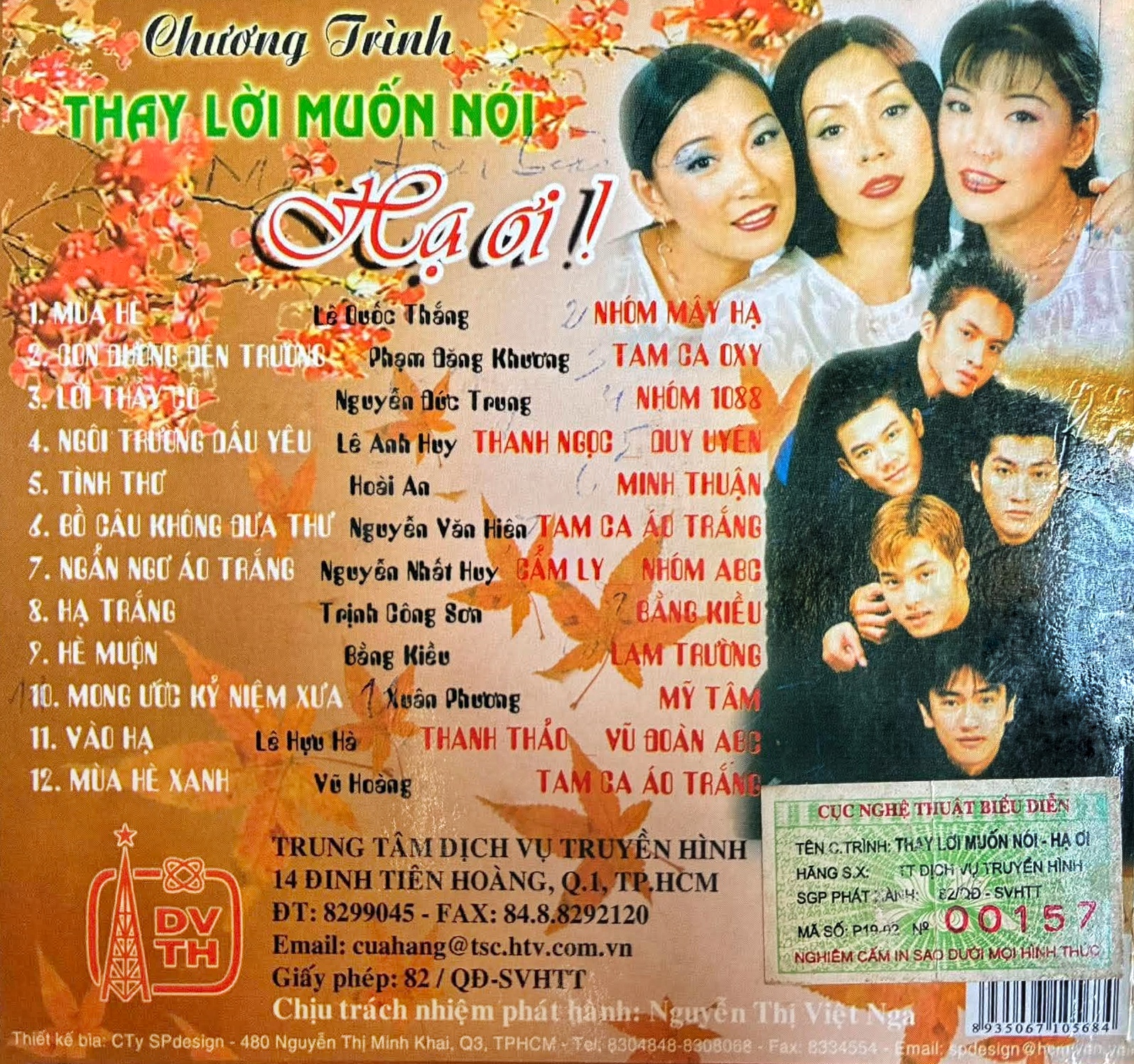
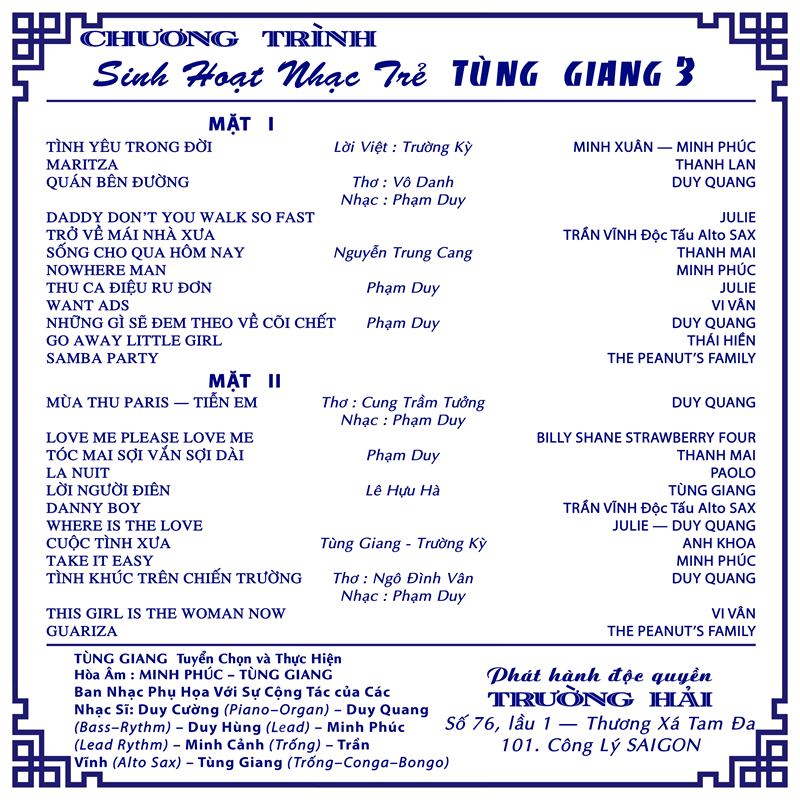
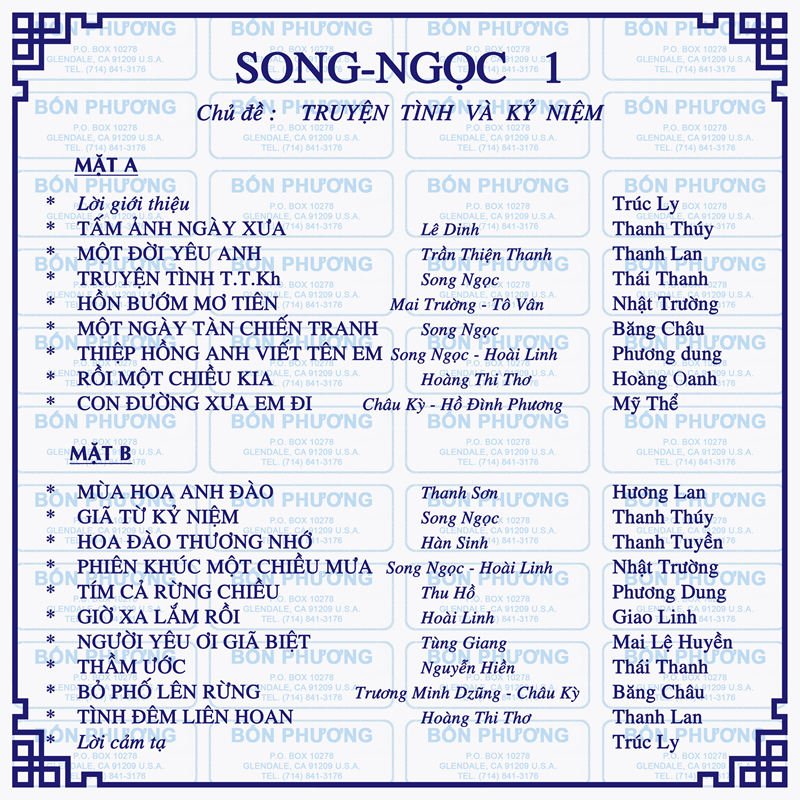
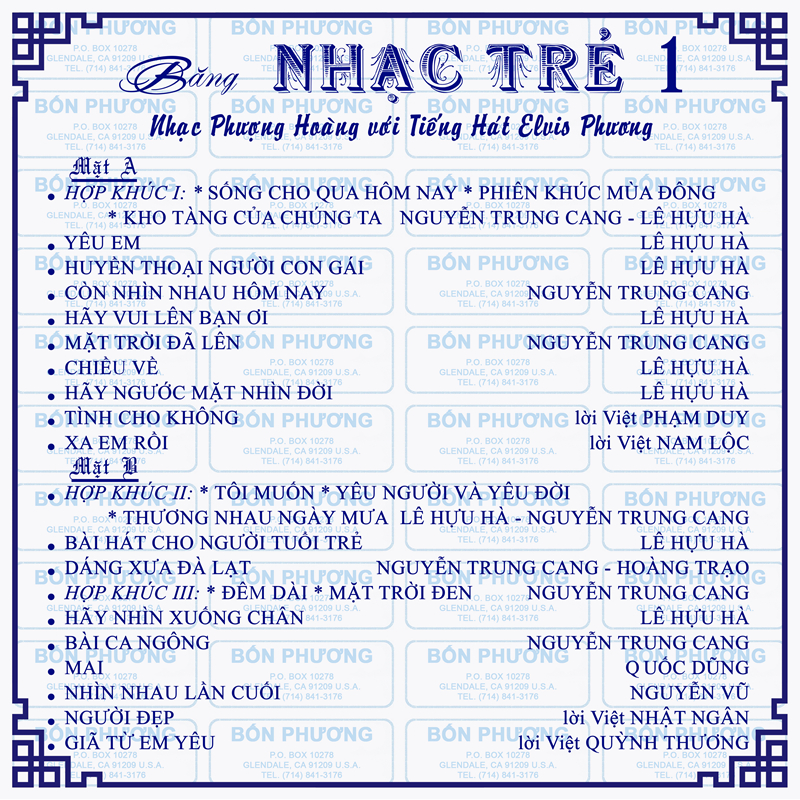
    1 Không Là Anh 2 Người Đứng Sau Hạnh Phúc 3 Lời Cuối Cho Tình Yêu Đầu 4 Em, Anh Và Cô Ấy (Version 2) 5 Em, Anh Và Cô Ấy 6 Một Ngày Ta Có Thể Trở Lại
    • 0 downloads
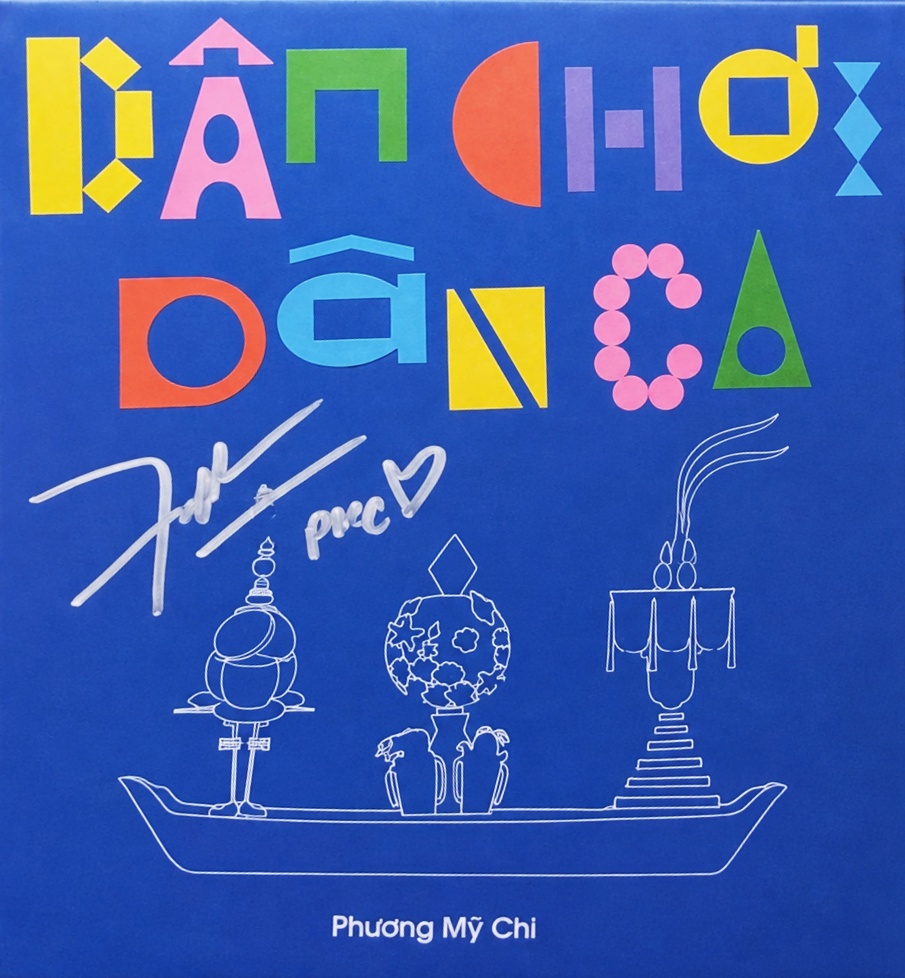
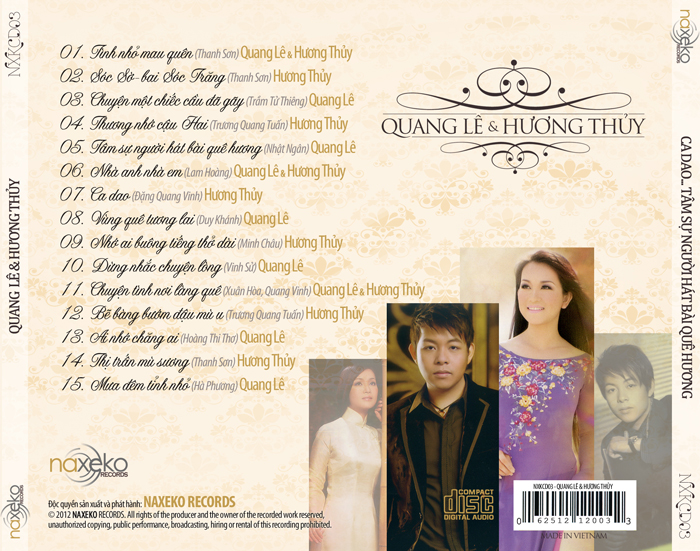
    01 - Dân Chơi Dân Ca 02 - Chọn Mặt Gửi Vàng 03 - Thử Lòng Quân Tử 04 - Ưng Cái Bụng 05 - Nữ Công Gia Chánh 06 - Liễu Yếu Đào Tơ 07 - Thiên Đường Với Người Thương 08 - Dắt Anh Chơi Hội 09 - Có Nhau 10 - Xây Xẩm

Account

Navigation

Search

Search

Configure browser push notifications

Chrome (Android)
  1. Tap the lock icon next to the address bar.
  2. Tap Permissions → Notifications.
  3. Adjust your preference.
Chrome (Desktop)
  1. Click the padlock icon in the address bar.
  2. Select Site settings.
  3. Find Notifications and adjust your preference.