

Skip to content
View in the app

A better way to browse. Learn more.

amnhac.me

A full-screen app on your home screen with push notifications, badges and more.

To install this app on iOS and iPadOS
  1. Tap the Share icon in Safari
  2. Scroll the menu and tap Add to Home Screen.
  3. Tap Add in the top-right corner.
To install this app on Android
  1. Tap the 3-dot menu (⋮) in the top-right corner of the browser.
  2. Tap Add to Home screen or Install app.
  3. Confirm by tapping Install.
ĐĂNG KÝ THÀNH VIÊN

Joker

Quản Trị
  • Joined

Files posted by Joker

    • 0 Downloads
    Updated
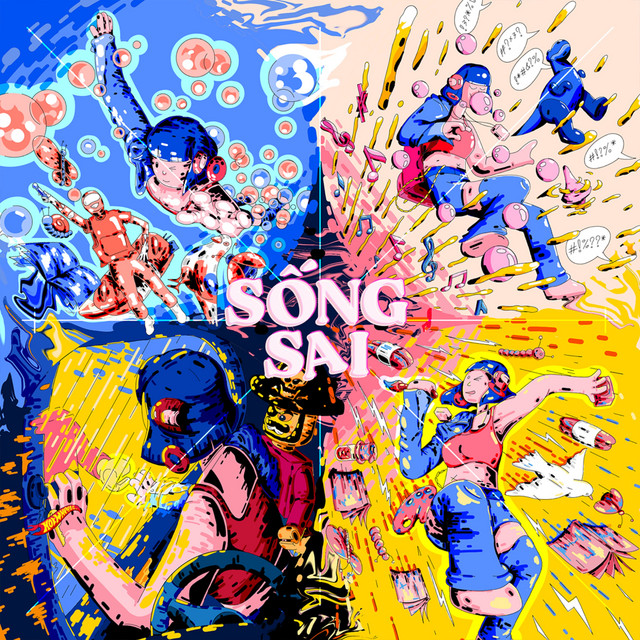
  1. 01 - Tạo Tác Từ Đất Sét (The Flob)
    02 - Sống Sai (The Flob)
    03 - Vegas (The Flob)
    04 - Có Ai Không (The Flob)
    05 - Đông Rồi Tây (The Flob)
    06 - Alright (The Flob)
    07 - Alright (alternative) (The Flob)
    • 0 Downloads
    Updated
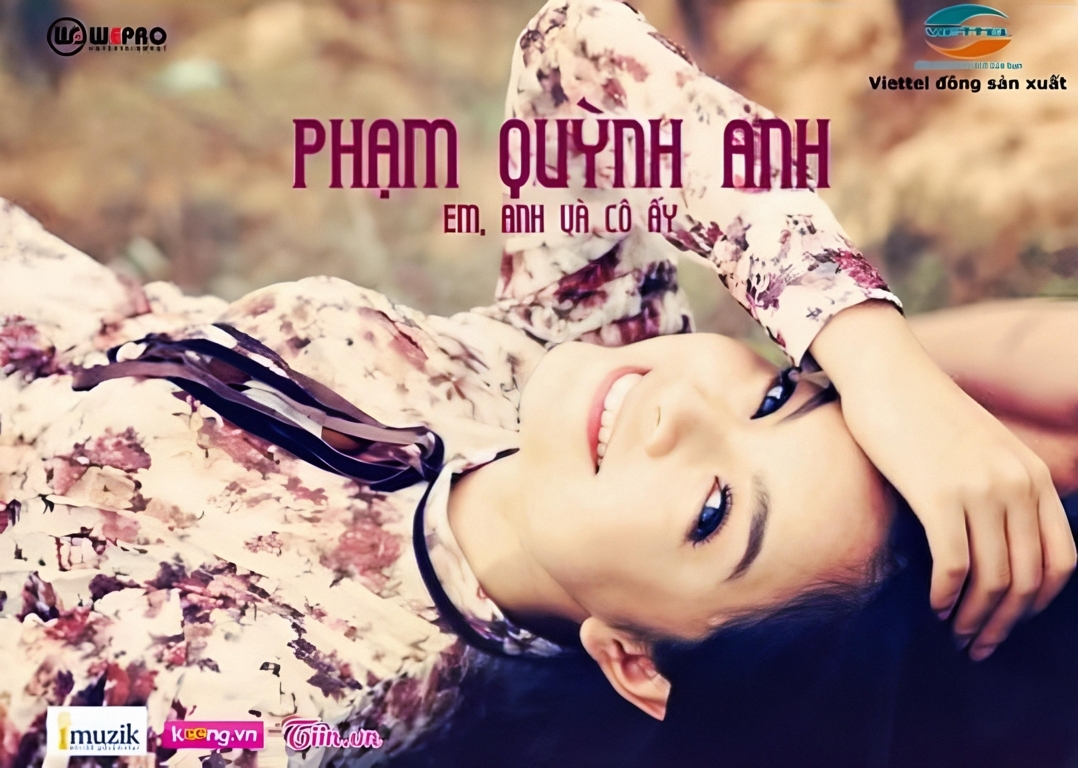
  2. 1 Không Là Anh
    2 Người Đứng Sau Hạnh Phúc
    3 Lời Cuối Cho Tình Yêu Đầu
    4 Em, Anh Và Cô Ấy (Version 2)
    5 Em, Anh Và Cô Ấy
    6 Một Ngày Ta Có Thể Trở Lại
    • 0 Downloads
    Submitted
    • 0 Downloads
    Submitted
    • 0 Downloads
    Submitted
    • 0 Downloads
    Submitted
    • 0 Downloads
    Submitted

Account

Navigation

Search

Search

Configure browser push notifications

Chrome (Android)
  1. Tap the lock icon next to the address bar.
  2. Tap Permissions → Notifications.
  3. Adjust your preference.
Chrome (Desktop)
  1. Click the padlock icon in the address bar.
  2. Select Site settings.
  3. Find Notifications and adjust your preference.