

Skip to content
View in the app

A better way to browse. Learn more.

amnhac.me

A full-screen app on your home screen with push notifications, badges and more.

To install this app on iOS and iPadOS
  1. Tap the Share icon in Safari
  2. Scroll the menu and tap Add to Home Screen.
  3. Tap Add in the top-right corner.
To install this app on Android
  1. Tap the 3-dot menu (⋮) in the top-right corner of the browser.
  2. Tap Add to Home screen or Install app.
  3. Confirm by tapping Install.
ĐĂNG KÝ THÀNH VIÊN

Joker

Quản Trị
  • Joined

Everything posted by Joker

    • 0 downloads
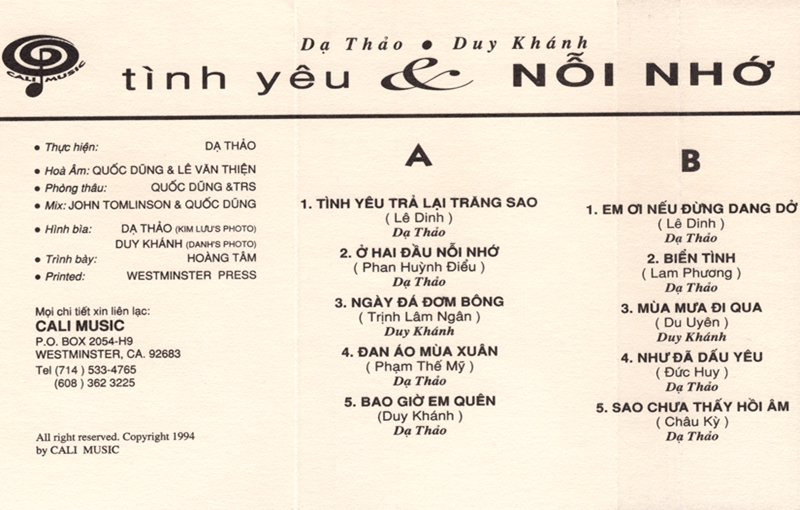
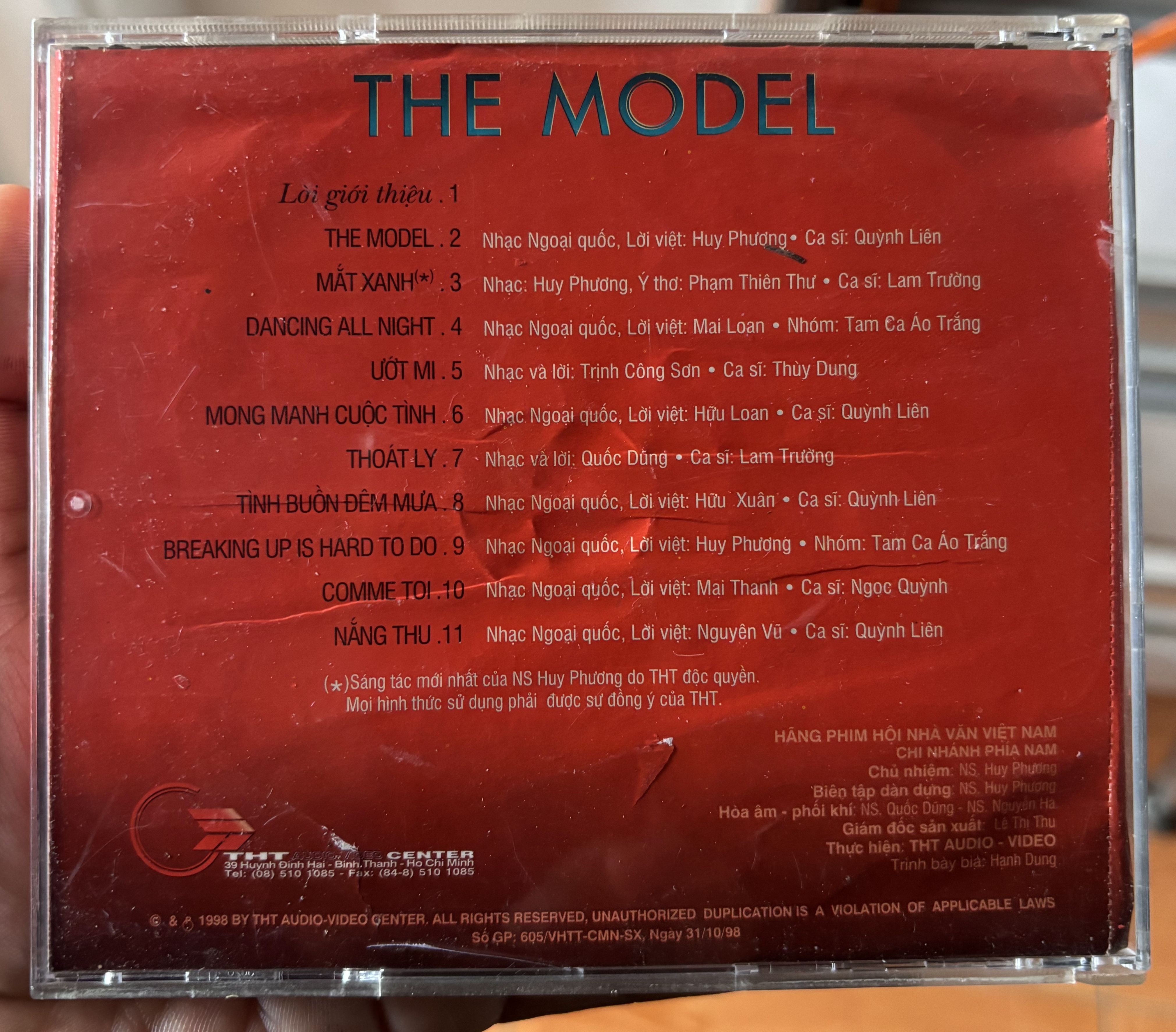
    01 Bước Chân Của Em (feat. Ngọc Khánh Chi) 02 Tuổi Hồng Ơi (Sách Giáo Khoa Âm Nhạc 5) [feat. Ngọc Khánh Chi] 03 Rằng Ta Có Bao Lâu Để Yêu (feat. Tú Phương & PiaLinh) 04 Khúc Valse Hoàng Hôn (feat. Lâm Phúc & PiaLinh) 05 Hà Nội Và Em (feat. Lâm Phúc) 06 Đến Giờ Cơm (feat. PiaLinh) 07 Có Một Chữ 'Thương' (feat. Lâm Phúc & Tú Phương) 08 Trăng Sáng Soi (feat. PiaLinh)
    • 0 downloads
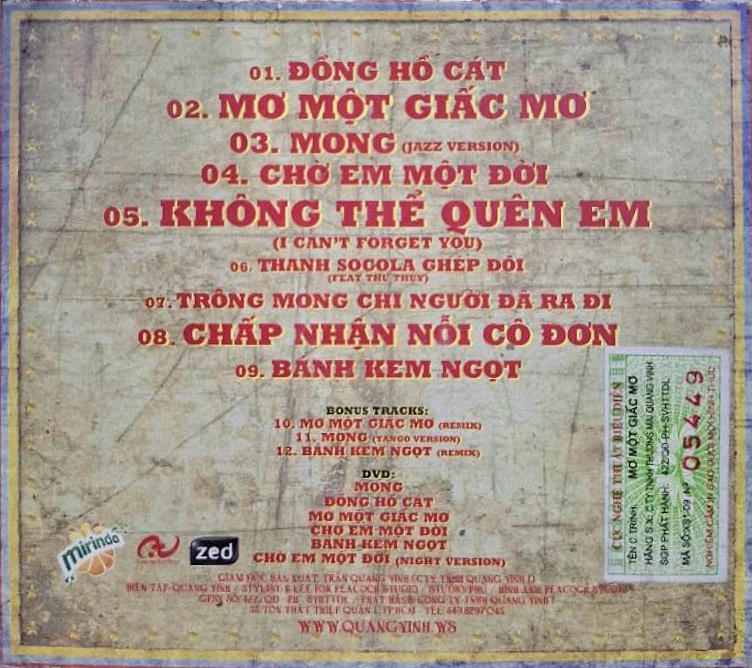
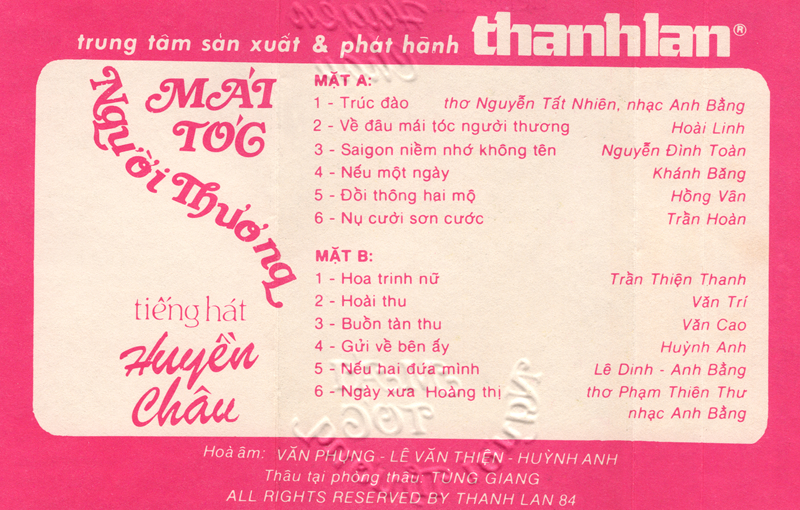
    01. Single - Ly Ruoi Mung 02. Karaoke - Ly Ruoi Mung
    • 0 downloads
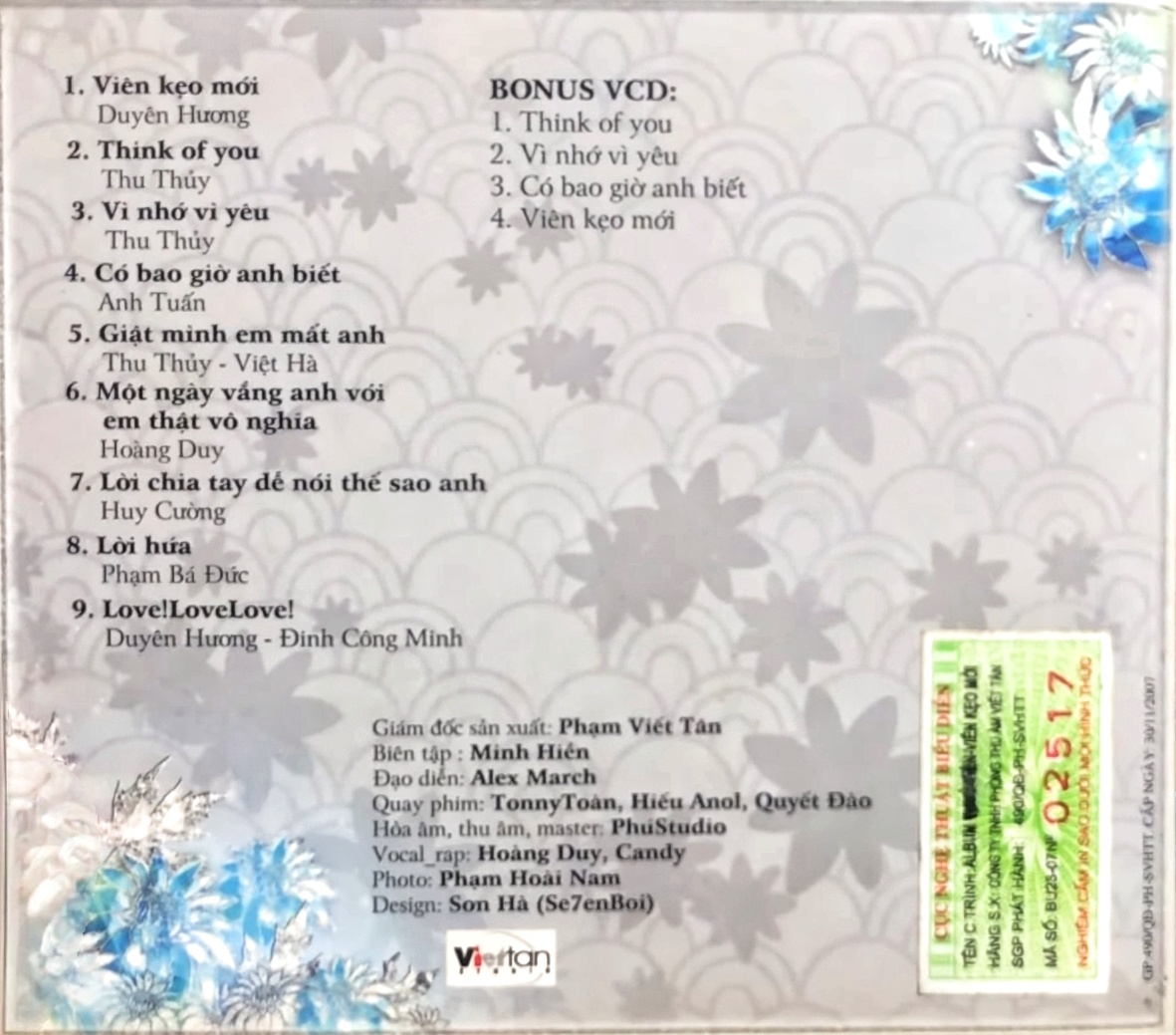
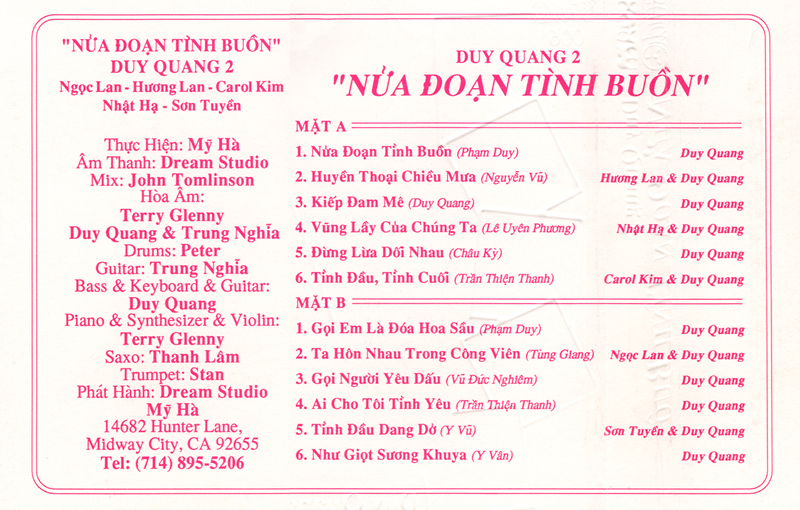
    01 Cách Yêu Đúng Điệu 02 Say Một Đời Vì Em & Cho Phép Tôi Mời Anh Một Ly 03 Người Đầu Tiên & Giờ Thì 04 Người Như Anh Xứng Đáng Cô Đơn & Không Đau Nữa Rồi 05 Cũng May Là Tết 06 Nàng Xuân
    • 0 downloads
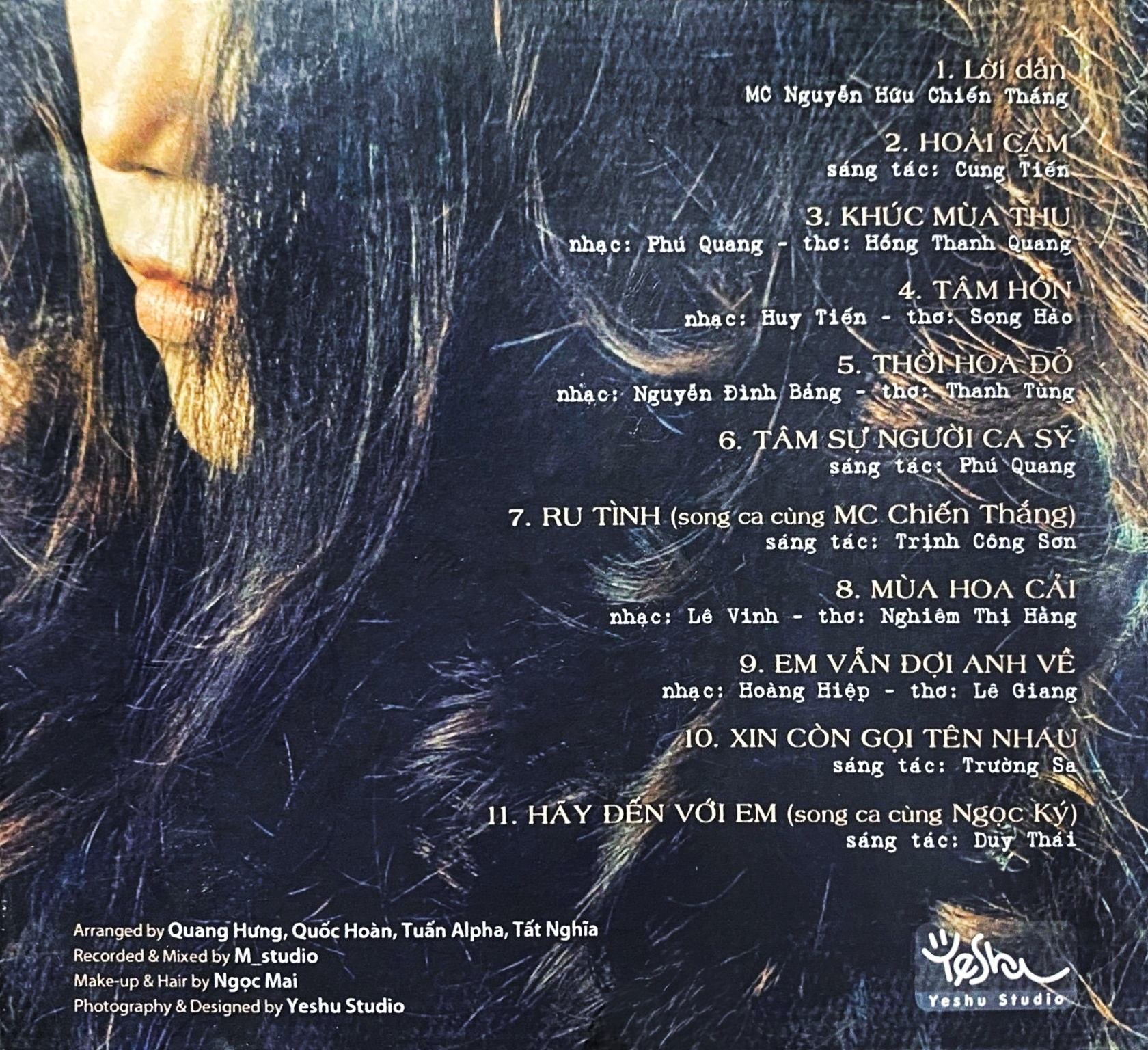
    01 Một Thoáng Hương Tình 02 Buồn Ơi Chào Mi 03 Trời Còn Làm Mưa Mãi 04 Thu Hát Cho Người 05 Hoài Cảm 06 Người Tình Trăm Năm

Account

Navigation

Search

Search

Configure browser push notifications

Chrome (Android)
  1. Tap the lock icon next to the address bar.
  2. Tap Permissions → Notifications.
  3. Adjust your preference.
Chrome (Desktop)
  1. Click the padlock icon in the address bar.
  2. Select Site settings.
  3. Find Notifications and adjust your preference.