

Skip to content
View in the app

A better way to browse. Learn more.

amnhac.me

A full-screen app on your home screen with push notifications, badges and more.

To install this app on iOS and iPadOS
  1. Tap the Share icon in Safari
  2. Scroll the menu and tap Add to Home Screen.
  3. Tap Add in the top-right corner.
To install this app on Android
  1. Tap the 3-dot menu (⋮) in the top-right corner of the browser.
  2. Tap Add to Home screen or Install app.
  3. Confirm by tapping Install.
ĐĂNG KÝ THÀNH VIÊN

Joker

Quản Trị
  • Joined

Everything posted by Joker

    • 0 downloads
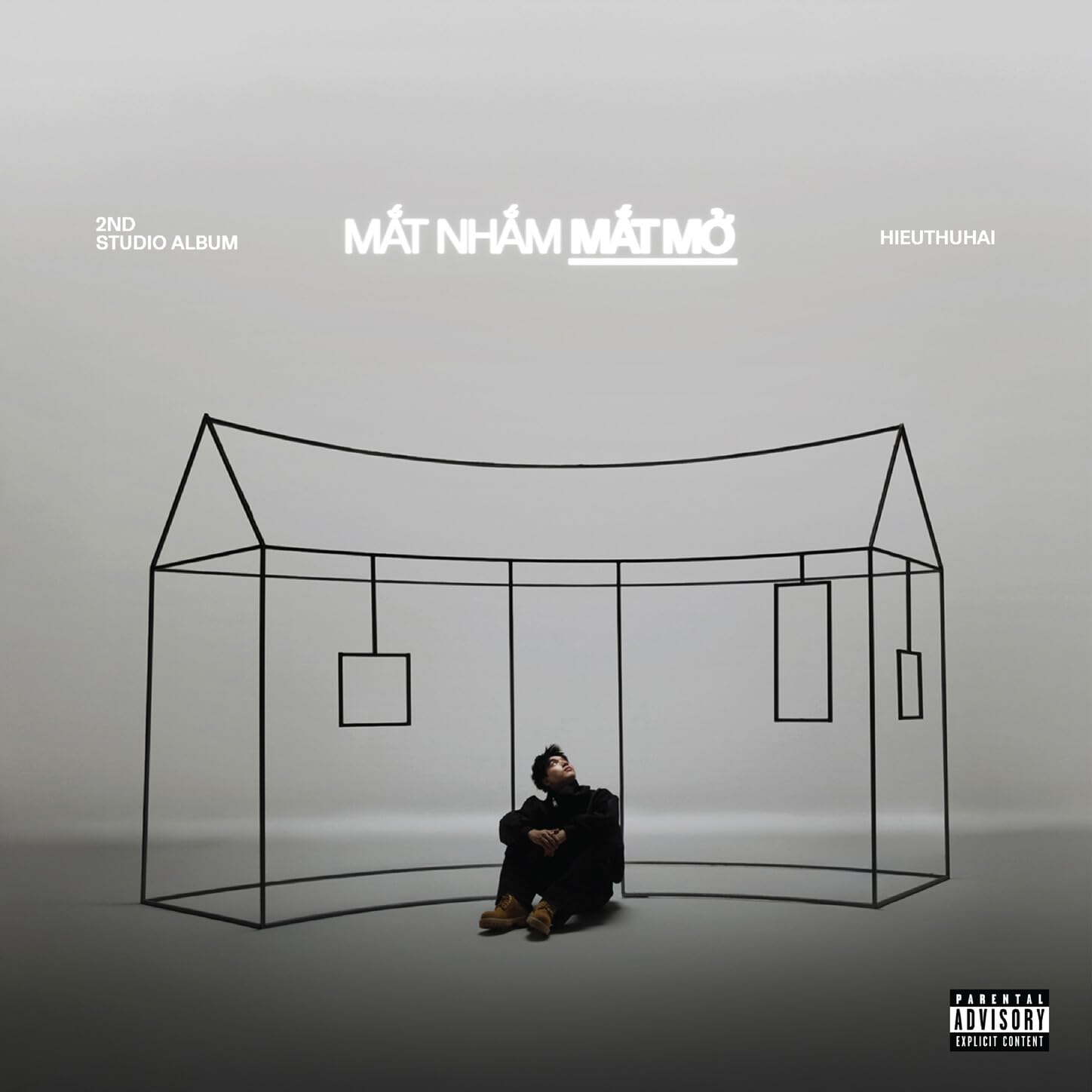
    01 SGCL 02 Nẹt Pô 03 Lạc Trong Ký Ức 04 Speech (feat. Hai Cơ) 05 On My Way 06 Polime 07 247 (feat. Cậu Phát) 08 Đấm Vào Tai 09 Sigma Luv 10 This Love (feat. Don Raemo) 11 Manifest (feat. Rtee) 12 Lý Do 13 4 My Fam (feat. Khoalee) 14 Nghĩ Nhiều (feat. Freaky)
    • 0 downloads
    01. Dạo Gần Đây Anh Thấy Anh Không Bằng Ai Hết 02. Anh Nên Đi Khỏi Đây 03. Hết Yêu 04. Người Im Lặng Gặp Người Hay Nói 05. Chờ Tới Khi Anh Về 06. Đâu Có Ai Nhìn 07. Interlude Nước Mắt Cá Sấu 08. Nước Mắt Cá Sấu 09. Đáng Lý Anh Nên Yêu Em Hơn 10. Vacheron Louie V 11. Đâu Cần Gì Hơn 12. Sắp Nổi Tiếng 2

Account

Navigation

Search

Search

Configure browser push notifications

Chrome (Android)
  1. Tap the lock icon next to the address bar.
  2. Tap Permissions → Notifications.
  3. Adjust your preference.
Chrome (Desktop)
  1. Click the padlock icon in the address bar.
  2. Select Site settings.
  3. Find Notifications and adjust your preference.