

Skip to content
View in the app

A better way to browse. Learn more.

amnhac.me

A full-screen app on your home screen with push notifications, badges and more.

To install this app on iOS and iPadOS
  1. Tap the Share icon in Safari
  2. Scroll the menu and tap Add to Home Screen.
  3. Tap Add in the top-right corner.
To install this app on Android
  1. Tap the 3-dot menu (⋮) in the top-right corner of the browser.
  2. Tap Add to Home screen or Install app.
  3. Confirm by tapping Install.
ĐĂNG KÝ THÀNH VIÊN

Joker

Quản Trị
  • Joined

Everything posted by Joker

  1. Joker posted a file in Album
    • 0 downloads
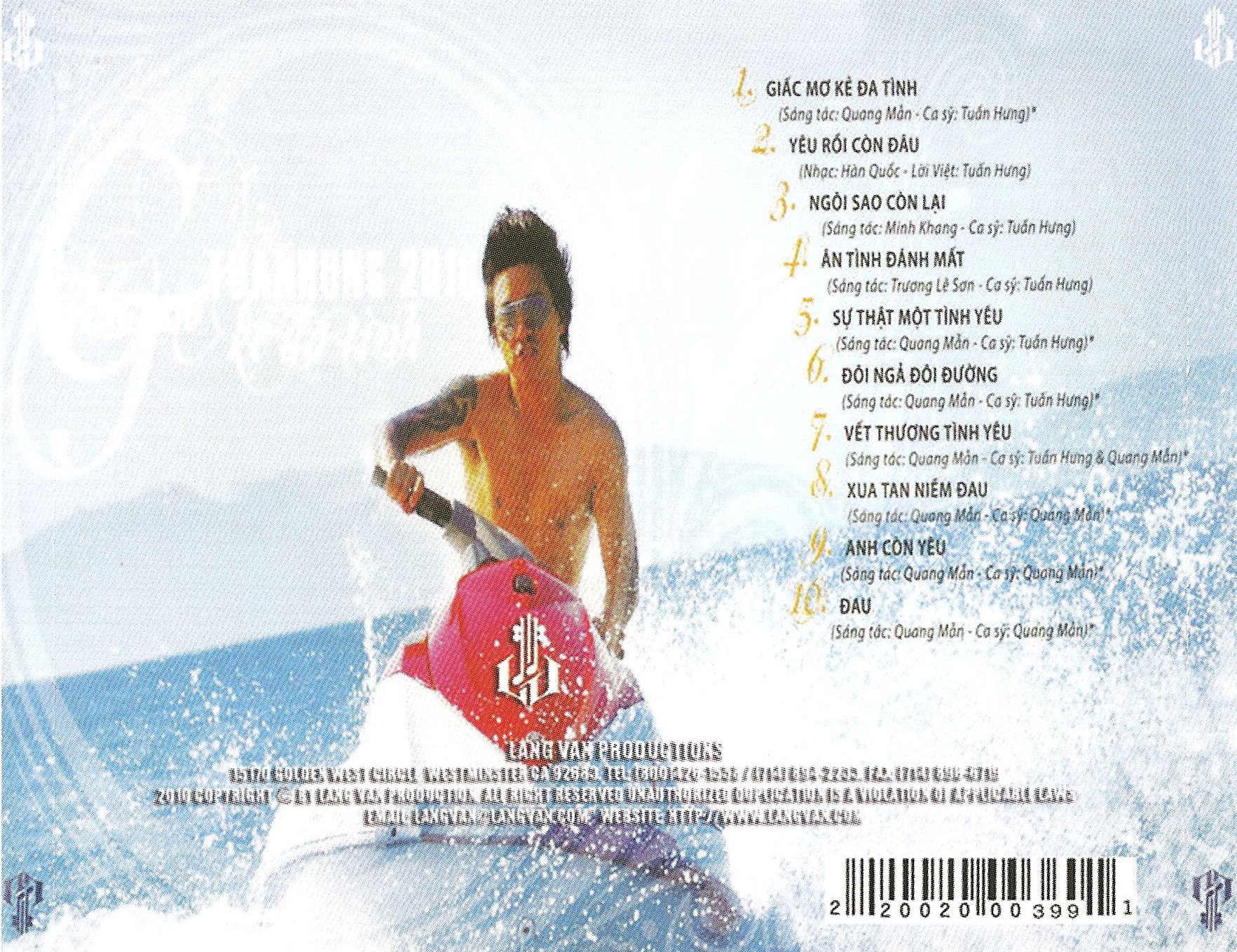
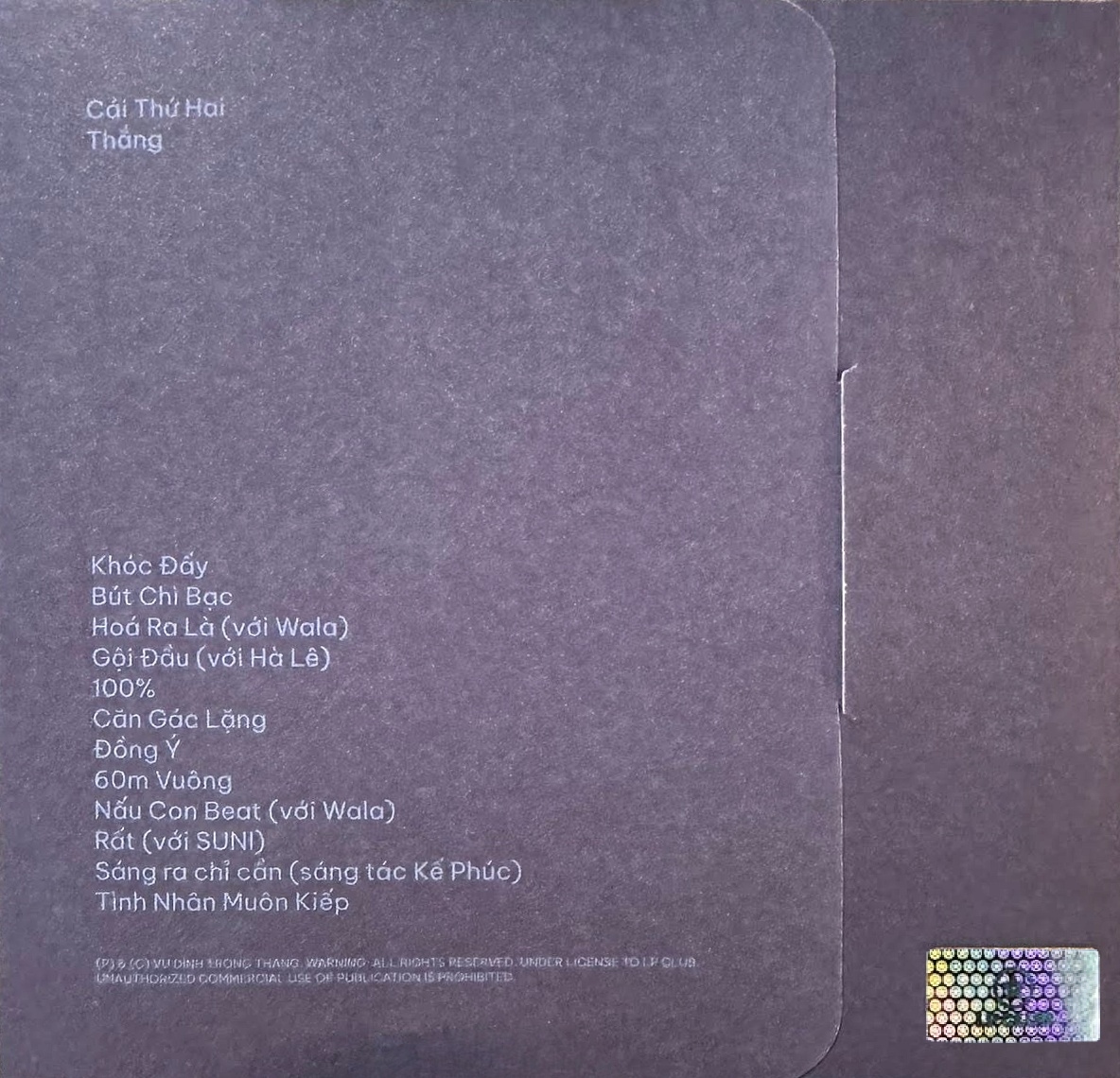
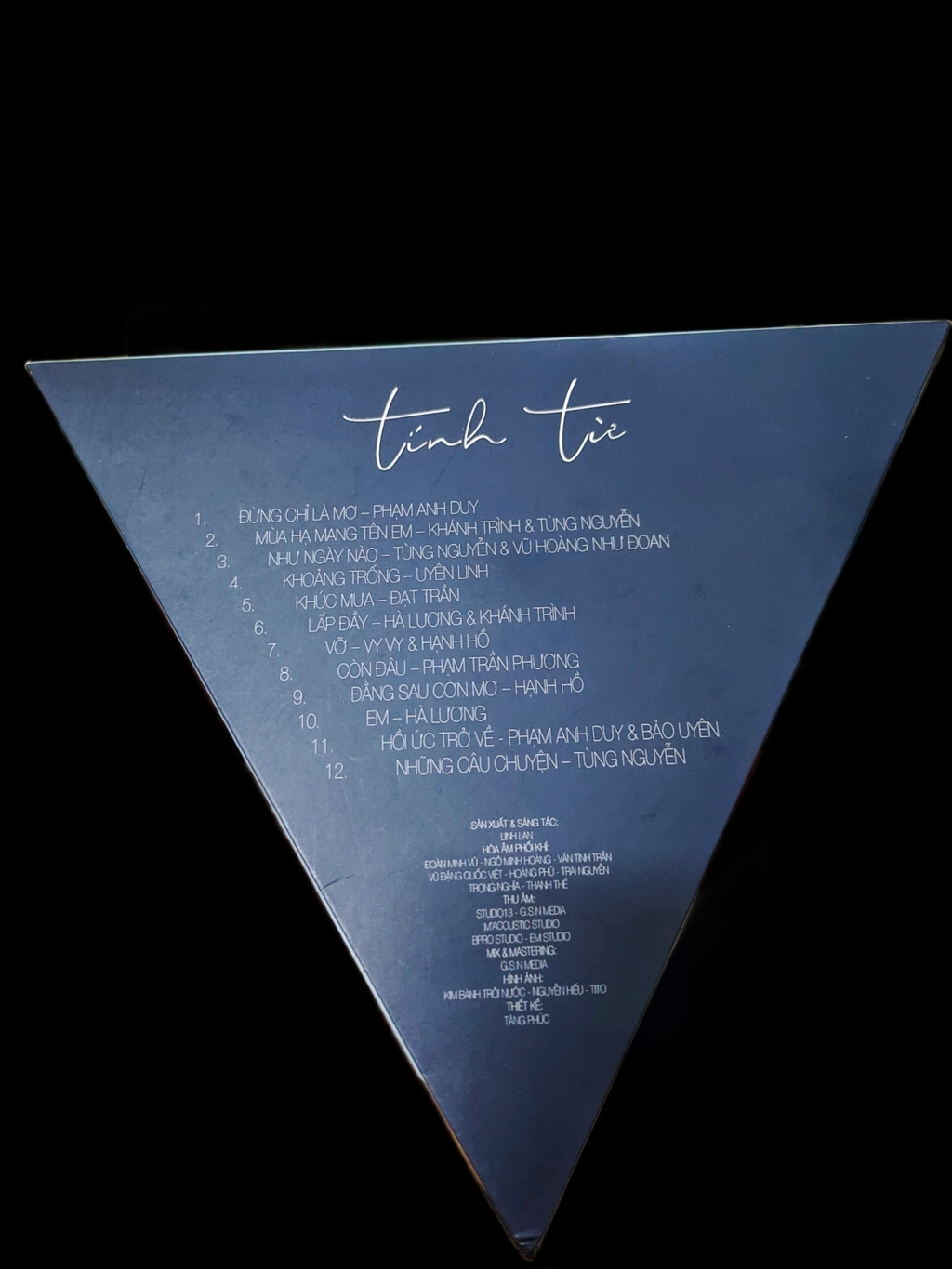
    01 Có Ai Nói Với Em 02 Dòng Thời Gian 03 Em Ơi Nơi Này Buồn Lắm 04 Hoài Xa 05 Và Như Thế Em Đi 06 Vẫn Mong Em Về 07 Vầng Trăng Ly Biệt 08 Vềt Sầu Tình Hằn Sâu 09 Tình Anh
    • 0 downloads
    01 Chịu 02 Cô Dâu 03 Chiến Tranh Lạnh 04 Vết Sẹo 05 Vua Đường Trường 06 Rap Chặt 07 Thiết Quân Luật 08 Và Nó Là Đây 09 Ba Em Milly 10 Bên Kia Sườn Đồi

Account

Navigation

Search

Search

Configure browser push notifications

Chrome (Android)
  1. Tap the lock icon next to the address bar.
  2. Tap Permissions → Notifications.
  3. Adjust your preference.
Chrome (Desktop)
  1. Click the padlock icon in the address bar.
  2. Select Site settings.
  3. Find Notifications and adjust your preference.