

Skip to content
View in the app

A better way to browse. Learn more.

amnhac.me

A full-screen app on your home screen with push notifications, badges and more.

To install this app on iOS and iPadOS
  1. Tap the Share icon in Safari
  2. Scroll the menu and tap Add to Home Screen.
  3. Tap Add in the top-right corner.
To install this app on Android
  1. Tap the 3-dot menu (⋮) in the top-right corner of the browser.
  2. Tap Add to Home screen or Install app.
  3. Confirm by tapping Install.
ĐĂNG KÝ THÀNH VIÊN

Joker

Quản Trị
  • Joined

Files posted by Joker

    • 2 Downloads
    Updated
    • 0 Downloads
    Submitted
    • 0 Downloads
    Submitted
    • 1 Downloads
    Submitted
    • 2 Downloads
    Updated
    • 0 Downloads
    Submitted
    • 6 Downloads
    Updated
    • 2 Downloads
    Updated
    • 1 Downloads
    Submitted
    • 2 Downloads
    Updated
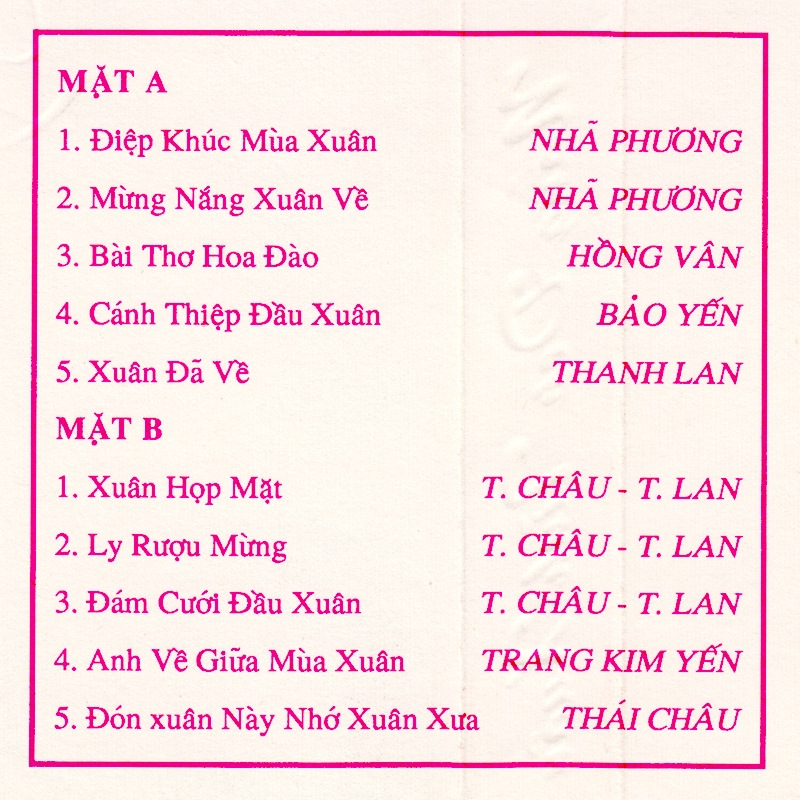
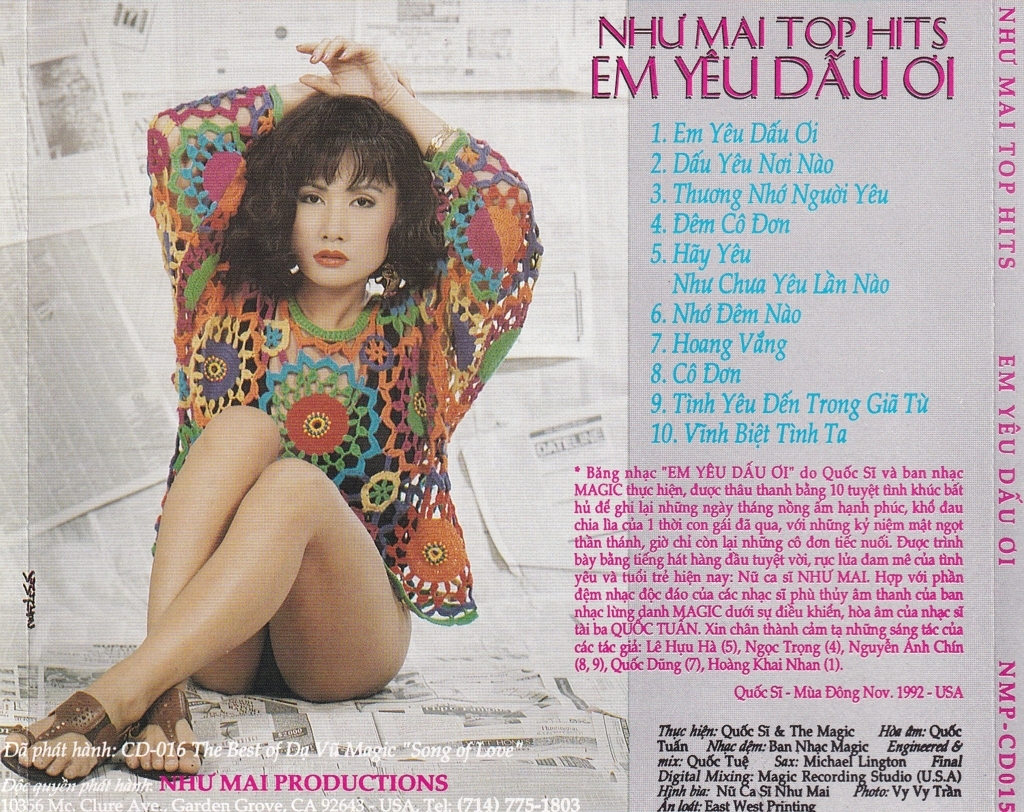
  1. 01 Lời Tỏ Tình Của Mùa Xuân (feat. Lân Nhã & Lê Hiếu)
    02 Đón Xuân Này Nhớ Xuân Xưa
    03 Em Đã Thấy Mùa Xuân Chưa
    04 Nắng Có Còn Xuân
    05 Như Hoa Mùa Xuân
    • 0 Downloads
    Submitted
    • 0 Downloads
    Submitted
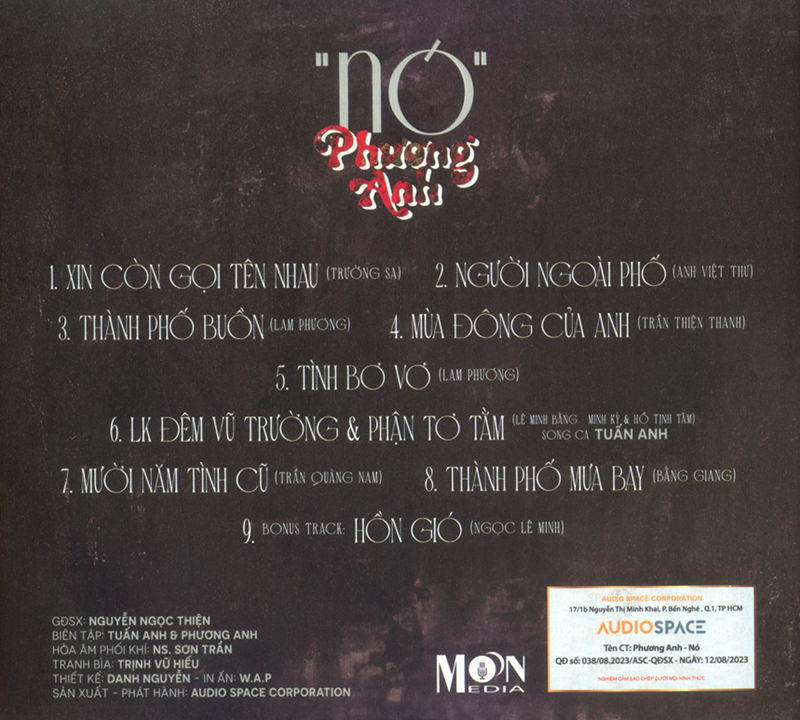
  2. 01 - (Bonus tracks) Anh Còn Nợ Em (Lê Ngọc Phương Anh)
    01 - Xin Còn Gọi Tên Nhau (Lê Ngọc Phương Anh)
    02 - (Bonus tracks) Cơn Mưa Hạ (Lê Ngọc Phương Anh)
    02 - Người Đi Ngoài Phố (Lê Ngọc Phương Anh)
    03 - (Bonus tracks) Dấu Chân Địa Đàng (Lê Ngọc Phương Anh)
    03 - Thành Phố Buồn (Lê Ngọc Phương Anh)
    04 - (Bonus tracks) Nhìn Nhau Lần Cuối (Lê Ngọc Phương Anh)
    04 - Mùa Đông Của Anh (Lê Ngọc Phương Anh)
    05 - (Bonus tracks) Phút Cuối (Lê Ngọc Phương Anh)
    05 - Tình Bơ Vơ (Lê Ngọc Phương Anh)
    06 - Liên Khúc Đêm Vũ Trường - Phận Tơ Tằm (Lê Ngọc Phương Anh)
    07 - Mười Năm Tình Cũ (Lê Ngọc Phương Anh)
    08 - Thành Phố Mưa Bay (Lê Ngọc Phương Anh)
    09 - Hồn Gió (Lê Ngọc Phương Anh)
    10 - Nó (Lê Ngọc Phương Anh)
    • 1 Downloads
    Submitted

Account

Navigation

Search

Search

Configure browser push notifications

Chrome (Android)
  1. Tap the lock icon next to the address bar.
  2. Tap Permissions → Notifications.
  3. Adjust your preference.
Chrome (Desktop)
  1. Click the padlock icon in the address bar.
  2. Select Site settings.
  3. Find Notifications and adjust your preference.