



Joker
Quản Trị
-
Joined
Everything posted by Joker
-
-
-
-
-
-
-
-
-
-
-
-
-
-
-
-
-
-
-
-
-

-

-
-
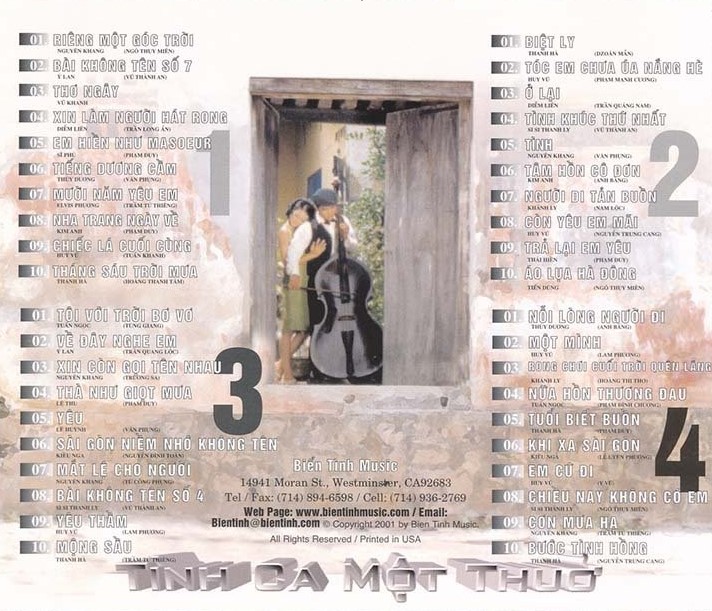
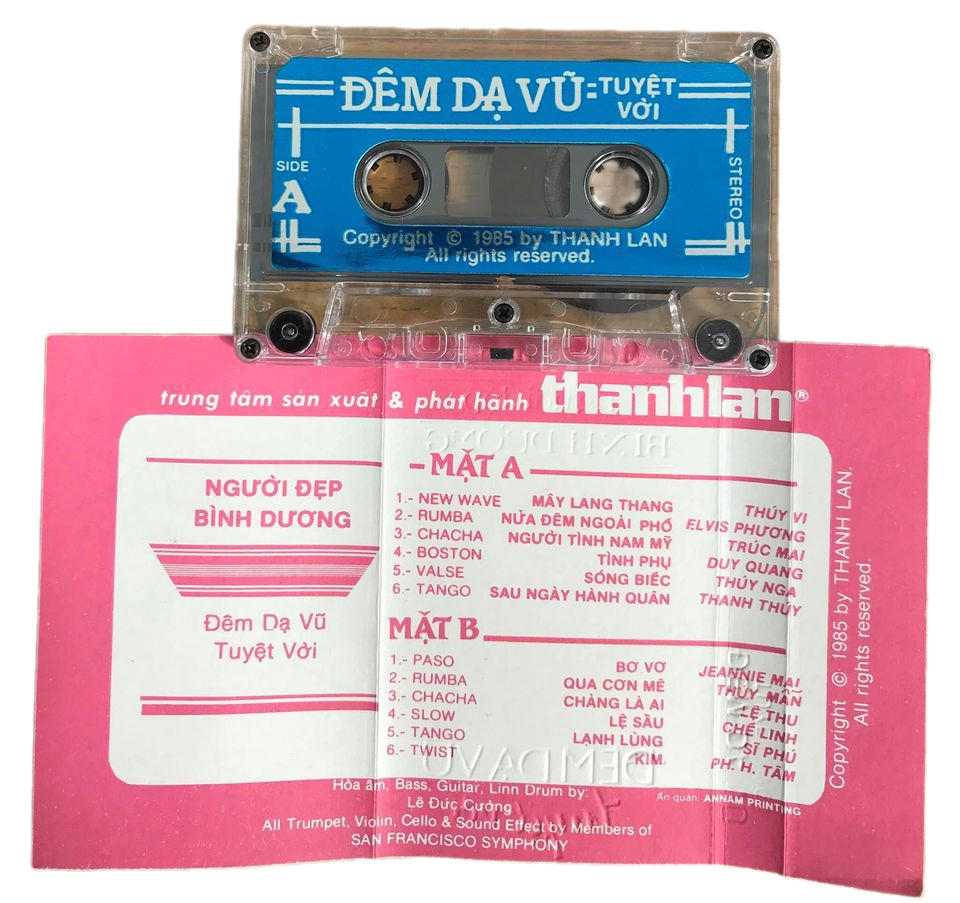
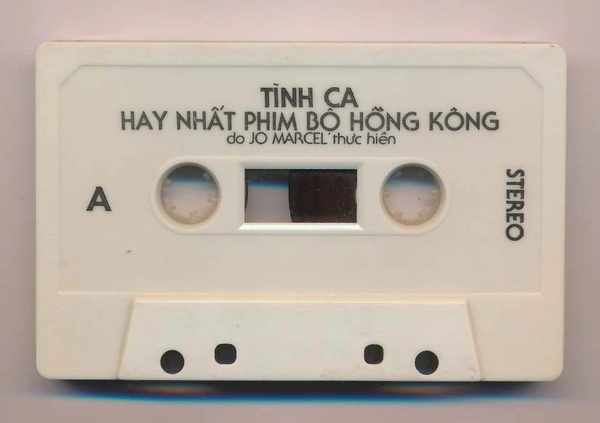 A1. Trieu Phu Luu Manh - Huong Lan A2. Cau Chuyen Anh Hung - Elvis Phuong A3. Thien Su Ky Mon - Jo Marcel A4. Than Dieu Hiep Lu I - Julie A5. Tinh Ca Giot Le I - Mai Le Huyen A6. Tinh Me - Duy Quang B1. Co Canh Sat Di Tuan - Julie B2. Luc Tieu Phung - Son Ca B3. Hao Mon An Oan - Son Ca B4. Hoa Phuong Hoang - Nhu Mai B5. Tinh Ca Giot Le II - Julie B6. Than Dieu Hiep Lu II - Huong Lan
-
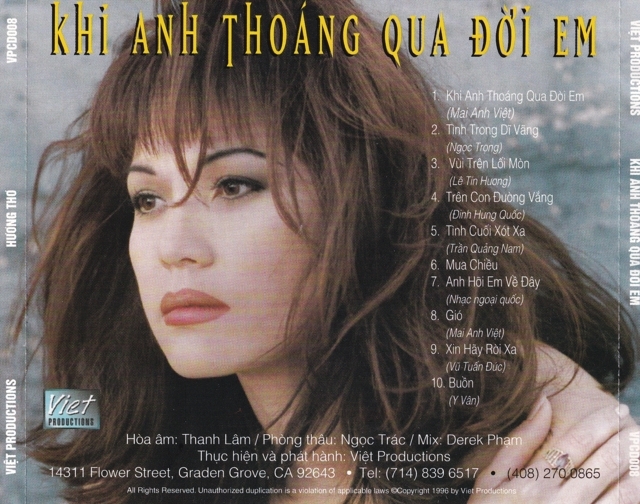
 01 - Bóng Nhỏ Đường Chiều (Sa Huỳnh) 02 - Đường Về Hai Thôn (Sa Huỳnh) 03 - Duyên Quê (Sa Huỳnh) 04 - Ga Chiều Phố Nhỏ (Sa Huỳnh) 05 - Gian Dối (Sa Huỳnh) 06 - Hai Vì Sao Lạc (Sa Huỳnh) 07 - Một Đời Yêu Anh (Sa Huỳnh) 08 - Nhà Anh Nhà Em (Sa Huỳnh) 09 - Ngàn Thu Áo Tím (Sa Huỳnh) 10 - Phút Đầu Tiên (Sa Huỳnh) 11 - Rong Rêu (Sa Huỳnh) 12 - Tiễn Đưa (Sa Huỳnh) 13 - Xóm Đêm (Sa Huỳnh) 14 - Xót Xa (Sa Huỳnh)