

Skip to content
View in the app

A better way to browse. Learn more.

amnhac.me

A full-screen app on your home screen with push notifications, badges and more.

To install this app on iOS and iPadOS
  1. Tap the Share icon in Safari
  2. Scroll the menu and tap Add to Home Screen.
  3. Tap Add in the top-right corner.
To install this app on Android
  1. Tap the 3-dot menu (⋮) in the top-right corner of the browser.
  2. Tap Add to Home screen or Install app.
  3. Confirm by tapping Install.
ĐĂNG KÝ THÀNH VIÊN

Joker

Quản Trị
  • Joined

Everything posted by Joker

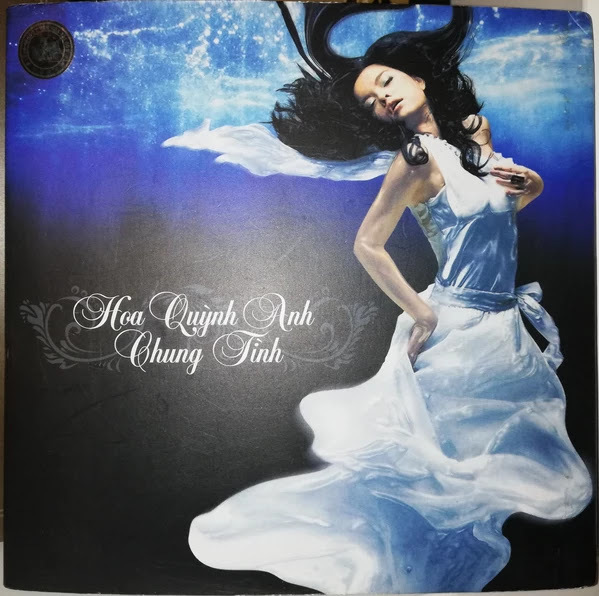
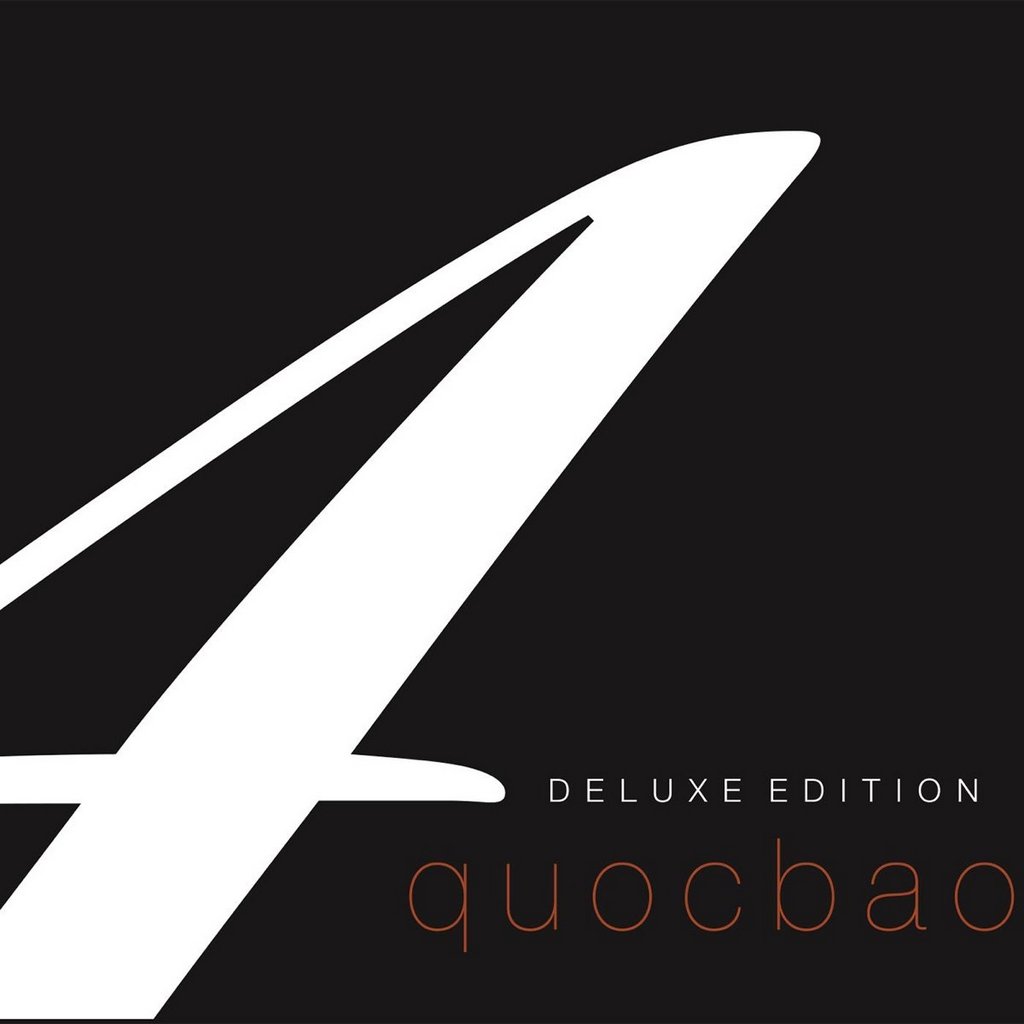
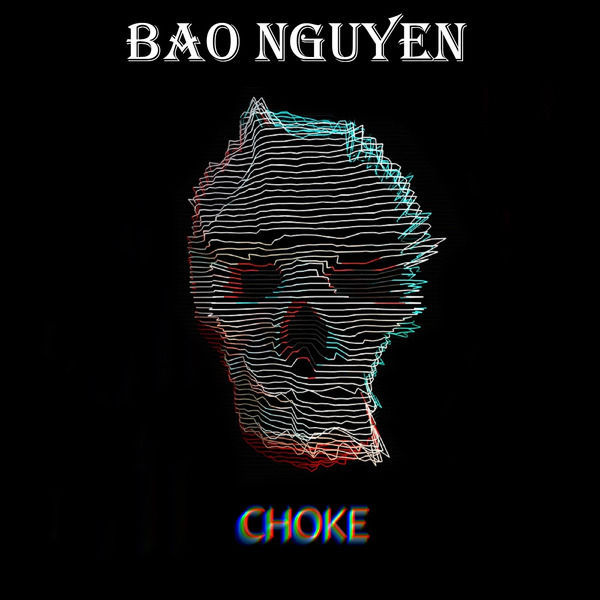
  1. Joker posted a file in Album
    • 0 downloads
    • 0 downloads
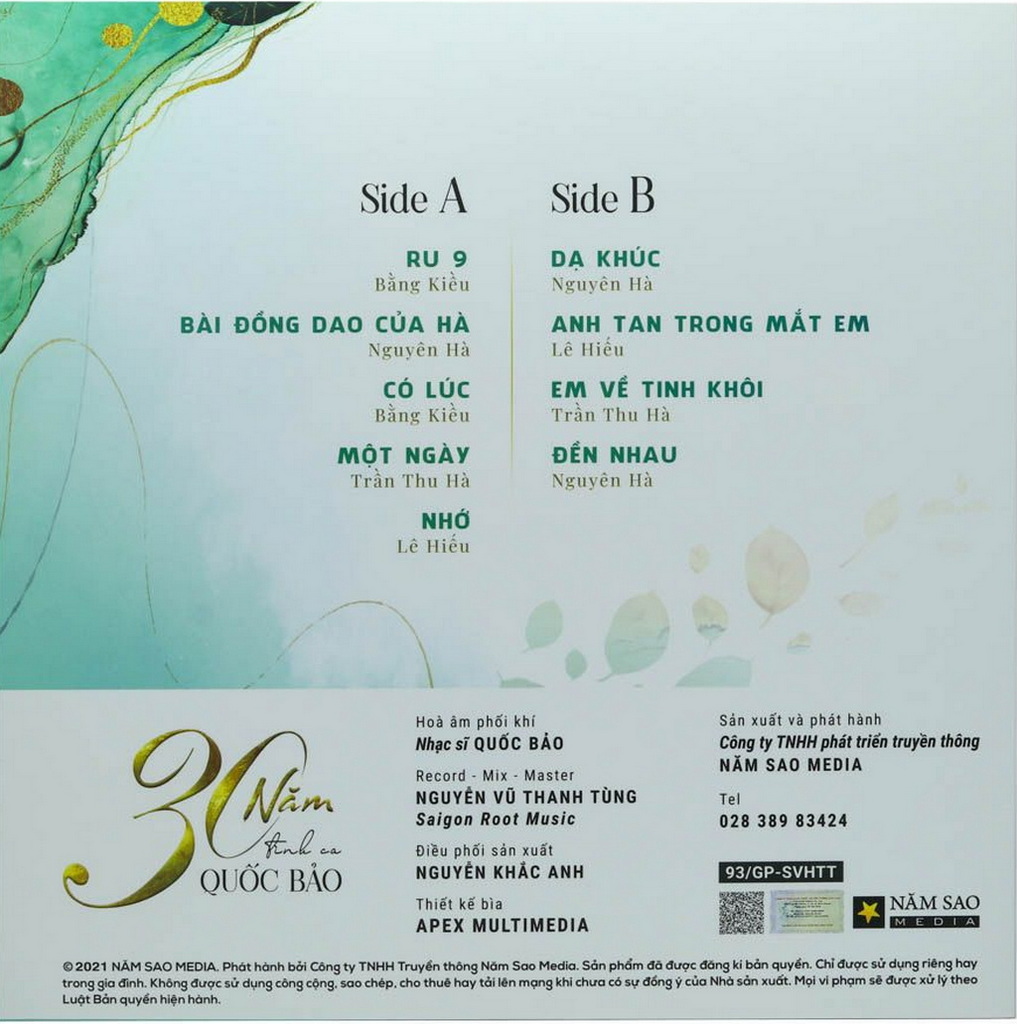
    01 - yêu hết tấm thân này 02 - chỉ còn lại hai ta 03 - chỉ buồn hôm nay 04 - lá thư #100 05 - mpg 06 - đừng thả thính 07 - anh đã không rõ ràng với em 08 - sao anh không hiểu 09 - thế giới không anh 10 - cô gái nhân ái 11 - hoa tiêu dao 12 - gói tình em rồi về 13 - em của ngày hôm qua (yesterme) 14 - cô đơn sớm tối 15 - một liều thuốc 16 - nhìn em mà xem (look at me now)

Account

Navigation

Search

Search

Configure browser push notifications

Chrome (Android)
  1. Tap the lock icon next to the address bar.
  2. Tap Permissions → Notifications.
  3. Adjust your preference.
Chrome (Desktop)
  1. Click the padlock icon in the address bar.
  2. Select Site settings.
  3. Find Notifications and adjust your preference.