

Skip to content
View in the app

A better way to browse. Learn more.

amnhac.me

A full-screen app on your home screen with push notifications, badges and more.

To install this app on iOS and iPadOS
  1. Tap the Share icon in Safari
  2. Scroll the menu and tap Add to Home Screen.
  3. Tap Add in the top-right corner.
To install this app on Android
  1. Tap the 3-dot menu (⋮) in the top-right corner of the browser.
  2. Tap Add to Home screen or Install app.
  3. Confirm by tapping Install.
ĐĂNG KÝ THÀNH VIÊN

Joker

Quản Trị
  • Joined

Everything posted by Joker

    • 4 downloads
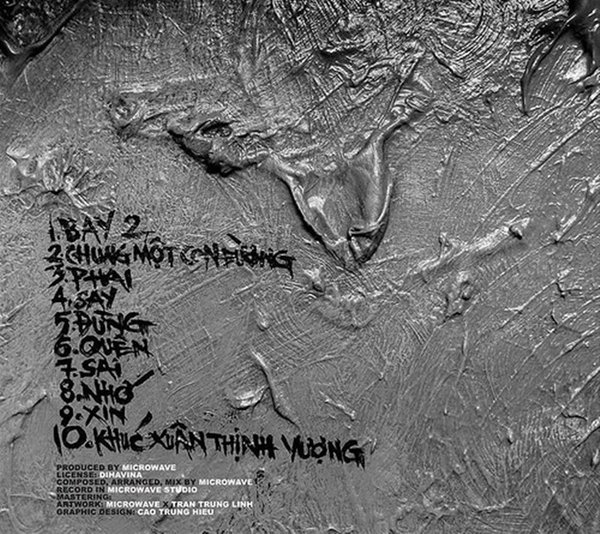
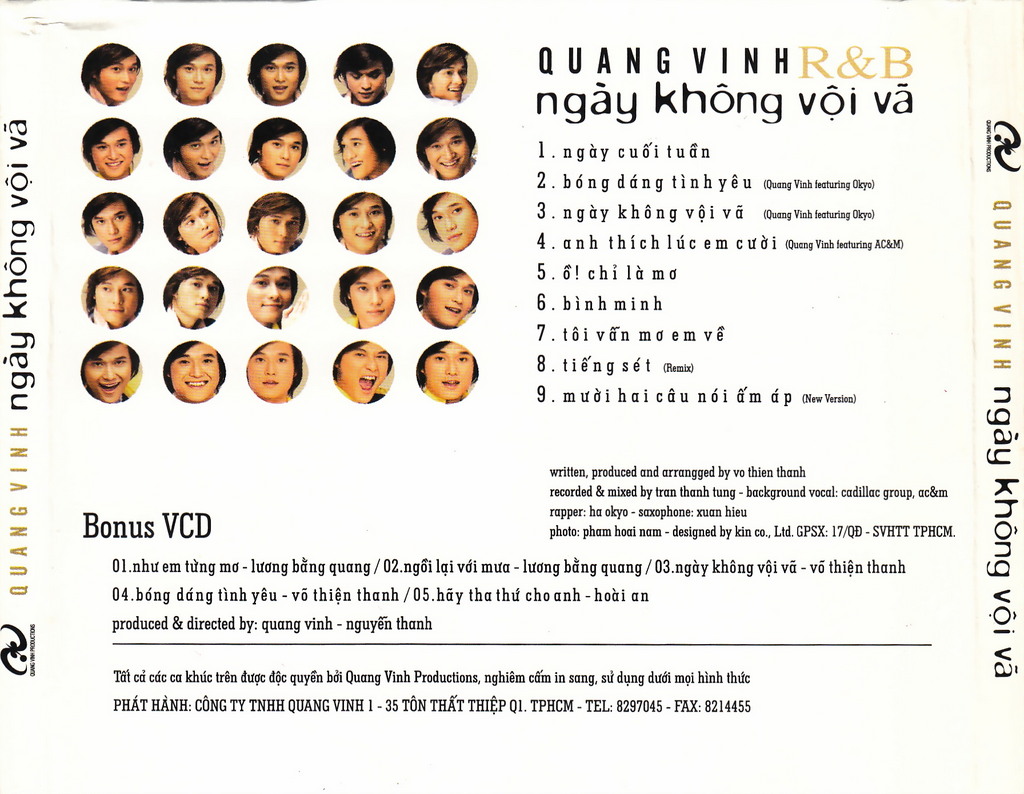
    01 - Chiều Ni Ngoài Nớ 02 - Thiệp Hồng Báo Tin 03 - Chắp Tay Lạy Người 04 - Thần Kinh Thương Nhớ 05 - Huế và Em 06 - Thắm - Bài Ca Dao Đầu Lòng 07 - Khóc Thầm 08 - Mùa Xuân Đó, Có Em 09 - Nếu Hai Đứa Mình 10 - Vọng Tiếng Rao Khuya
    • 3 downloads
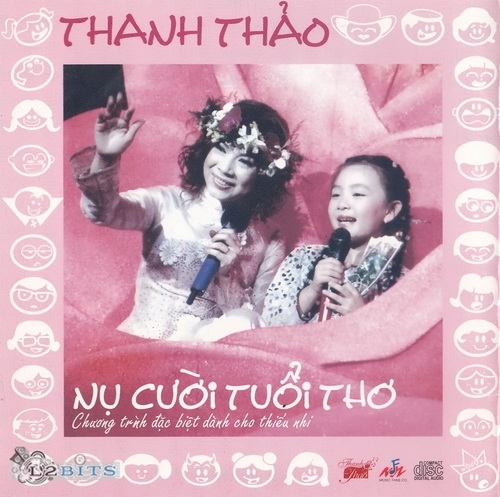
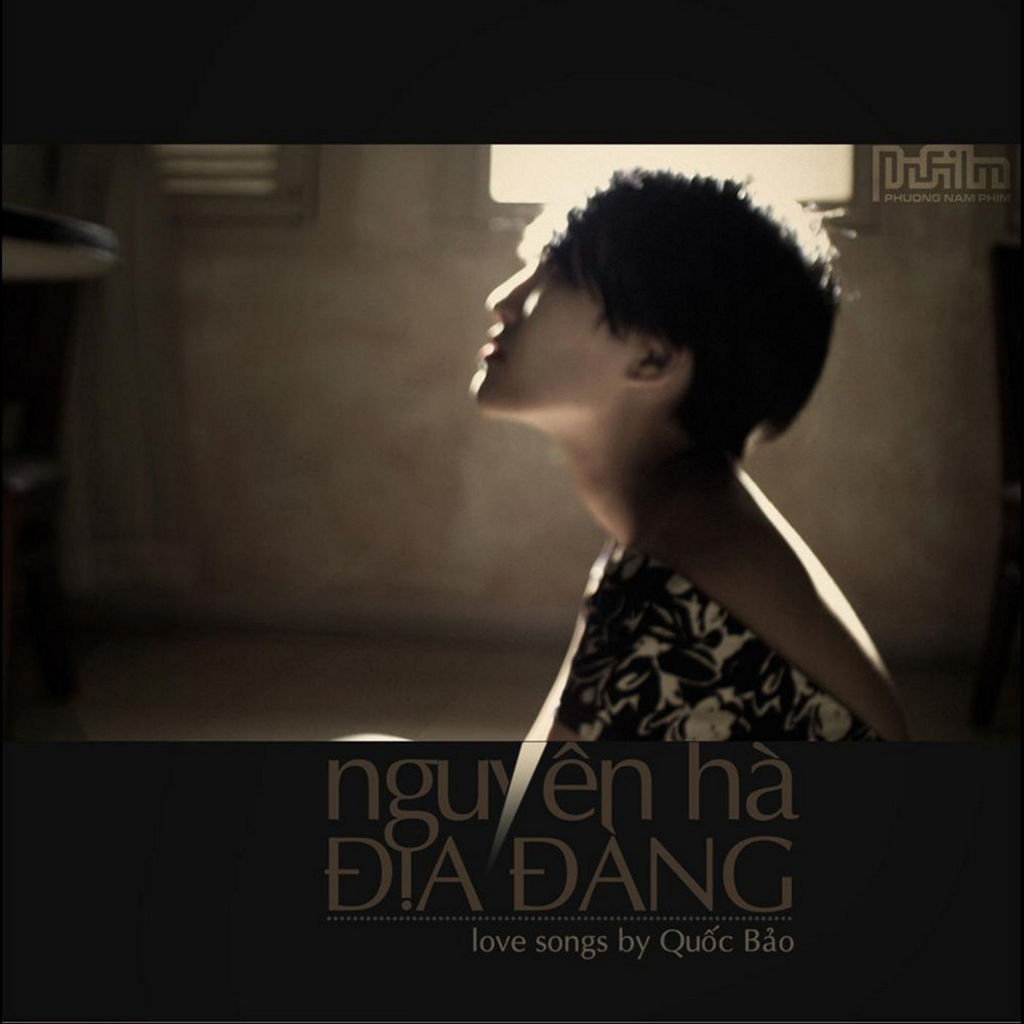
    01 - Từ Khi Vắng Anh 02 - Thương Về Miền Trung 03 - Hương Tình Cũ 04 - Tâm Sự Đời Tôi 05 - Chỉ Còn Là Kỷ Niệm 06 - Hai Vì Sao Lạc 07 - Kỷ Niệm Nào Buồn 08 - Nếu Anh Đừng Hẹn 09 - Nhớ Nhau Hoài 10 - Chỉ Hai Đứa Mình Thôi Nhé

Account

Navigation

Search

Search

Configure browser push notifications

Chrome (Android)
  1. Tap the lock icon next to the address bar.
  2. Tap Permissions → Notifications.
  3. Adjust your preference.
Chrome (Desktop)
  1. Click the padlock icon in the address bar.
  2. Select Site settings.
  3. Find Notifications and adjust your preference.