

Skip to content
View in the app

A better way to browse. Learn more.

amnhac.me

A full-screen app on your home screen with push notifications, badges and more.

To install this app on iOS and iPadOS
  1. Tap the Share icon in Safari
  2. Scroll the menu and tap Add to Home Screen.
  3. Tap Add in the top-right corner.
To install this app on Android
  1. Tap the 3-dot menu (⋮) in the top-right corner of the browser.
  2. Tap Add to Home screen or Install app.
  3. Confirm by tapping Install.
ĐĂNG KÝ THÀNH VIÊN

Joker

Quản Trị
  • Joined

Everything posted by Joker

    • 1 download
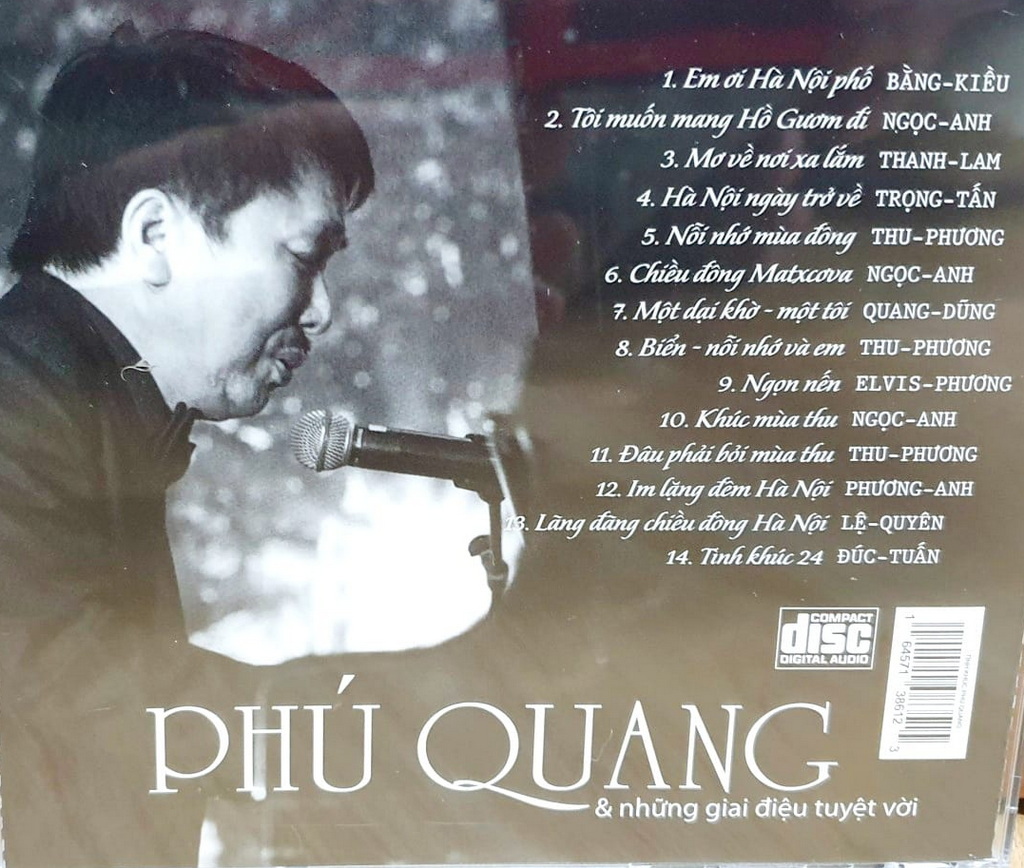
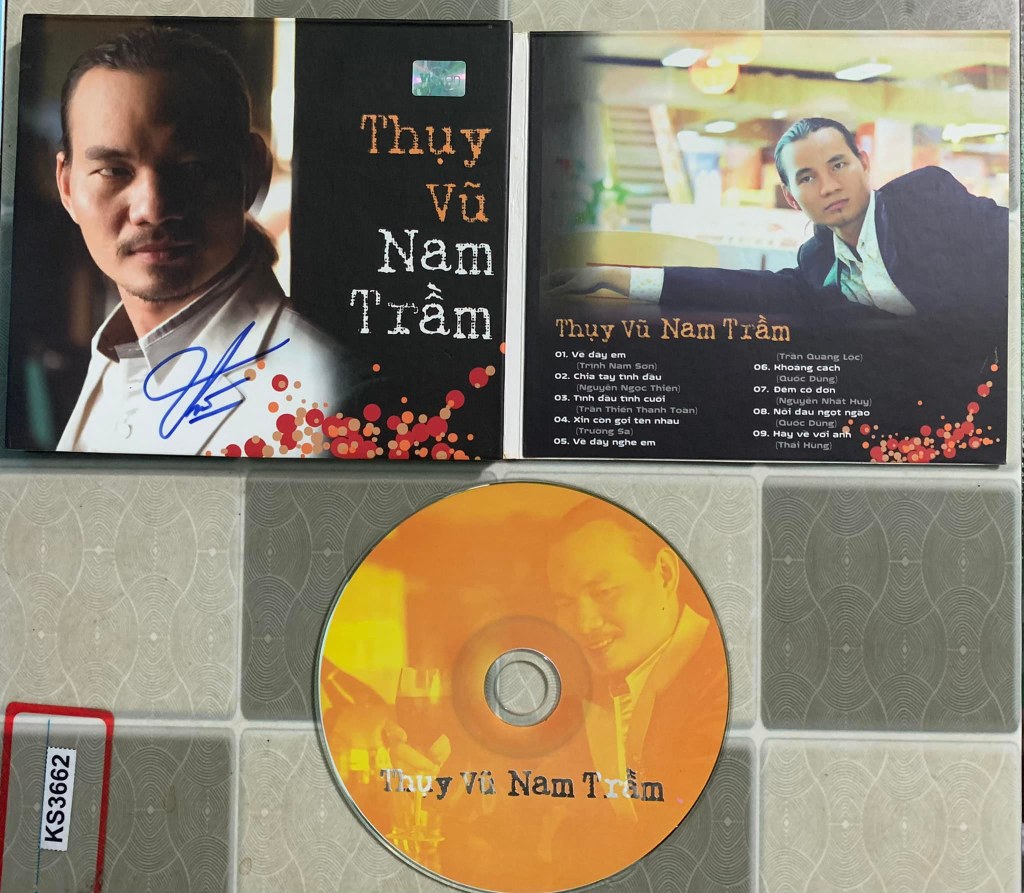
    01 Lời xuân 02 Thôi nhé em về 03 Nỗi nhớ mùa thu 04 Con đường mùa thu 05 Dấu lặng cung đàn 06 Biển tình 07 Ru xưa 08 Sang Thu 09 Thu về trong mắt em 10 Một nửa yêu thương
    • 1 download
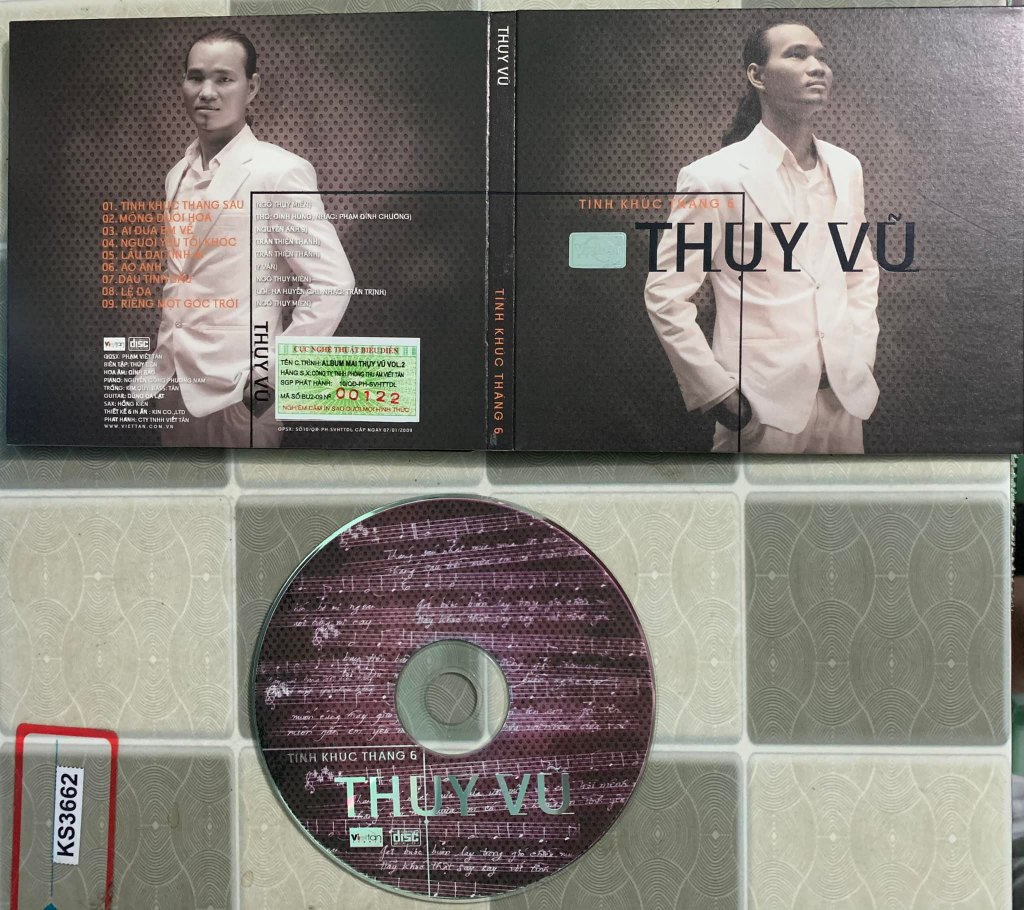
    01 Gửi Nắng Cho Em 02 Tình Em 03 Đất Nước Tình Yêu 04 Tình Ca 05 Bài Ca Trên Núi 06 Ngậm Ngùi 07 Tiếng Trống Paranưng 08 Hai Quê 09 Nếu Xa Nhau 10 Mùa Hè Đẹp Nhất 11 Dương Cầm Thu Không Em 12 Một Dại Khờ Một Tôi 13 Hẹn Hò 14 Bây Giờ Tháng Mấy 15 Nàng Thơ 16 Yêu Em Dài Lâu 17 Và Con Tim Đã Vui Trở Lại 18 Đường Xa Ướt Mưa 19 Một Tình Yêu
    • 2 downloads
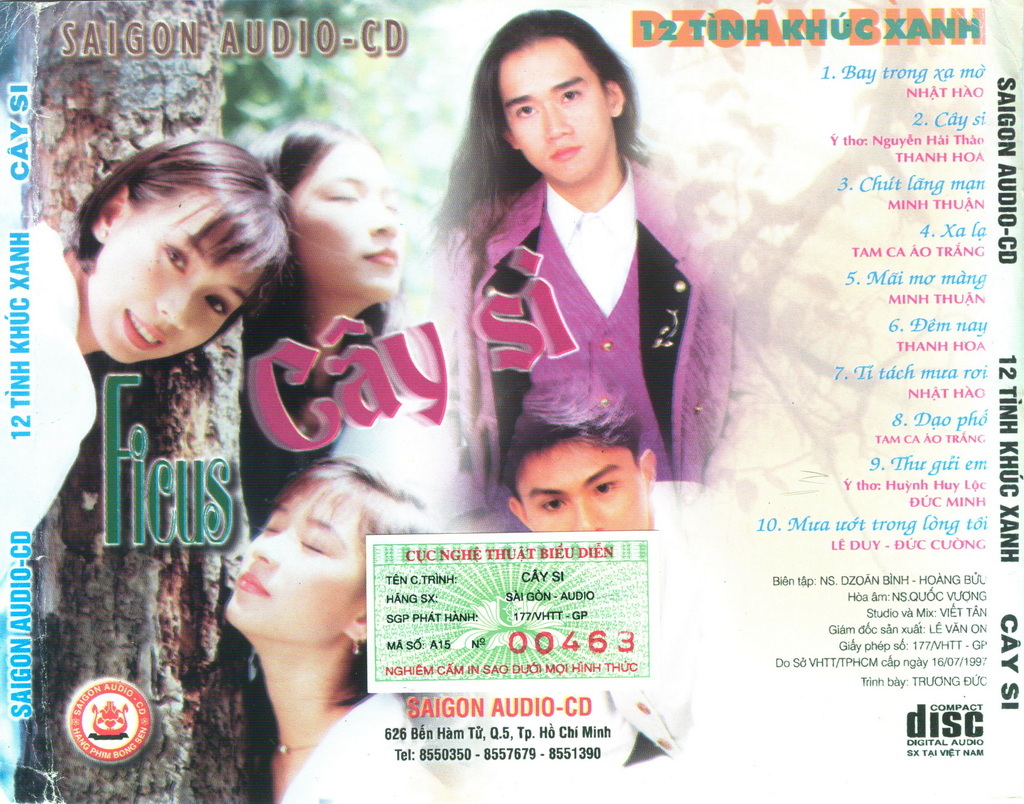
    01 Cô láng giềng 02 Tiễn bước sang ngang 03 Nắng chiều 04 Cô hàng Cà phê 05 Thương đời hoa 06 Rung khúc tình sầu 07 Từ thuở yêu em 08 Mùa xuân của chị 09 Áo anh sứt chỉ đường tà

Account

Navigation

Search

Search

Configure browser push notifications

Chrome (Android)
  1. Tap the lock icon next to the address bar.
  2. Tap Permissions → Notifications.
  3. Adjust your preference.
Chrome (Desktop)
  1. Click the padlock icon in the address bar.
  2. Select Site settings.
  3. Find Notifications and adjust your preference.