

Skip to content
View in the app

A better way to browse. Learn more.

amnhac.me

A full-screen app on your home screen with push notifications, badges and more.

To install this app on iOS and iPadOS
  1. Tap the Share icon in Safari
  2. Scroll the menu and tap Add to Home Screen.
  3. Tap Add in the top-right corner.
To install this app on Android
  1. Tap the 3-dot menu (⋮) in the top-right corner of the browser.
  2. Tap Add to Home screen or Install app.
  3. Confirm by tapping Install.
ĐĂNG KÝ THÀNH VIÊN

Joker

Quản Trị
  • Joined

Everything posted by Joker

    • 1 download
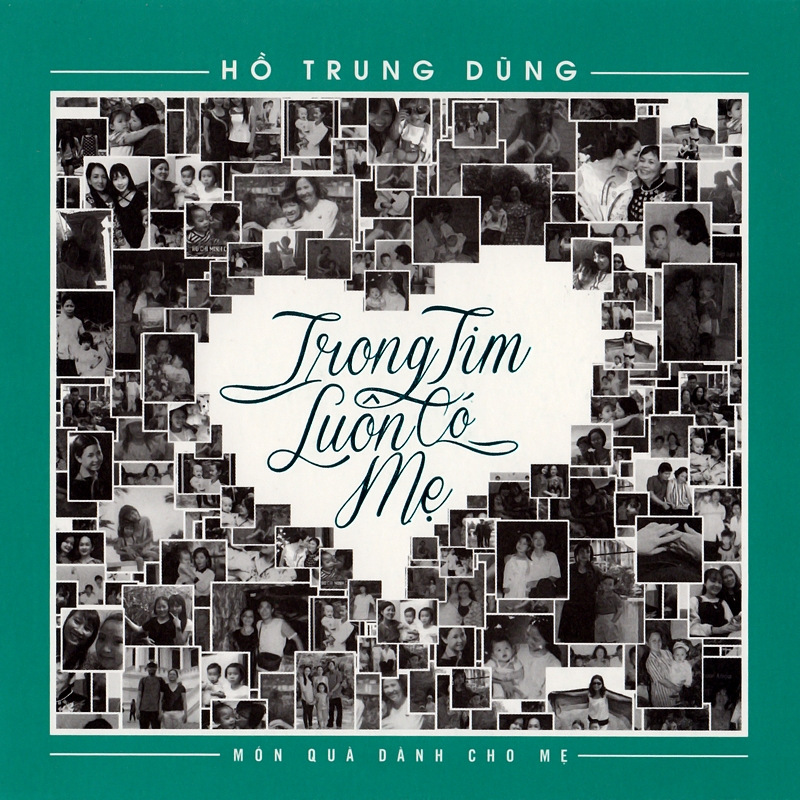
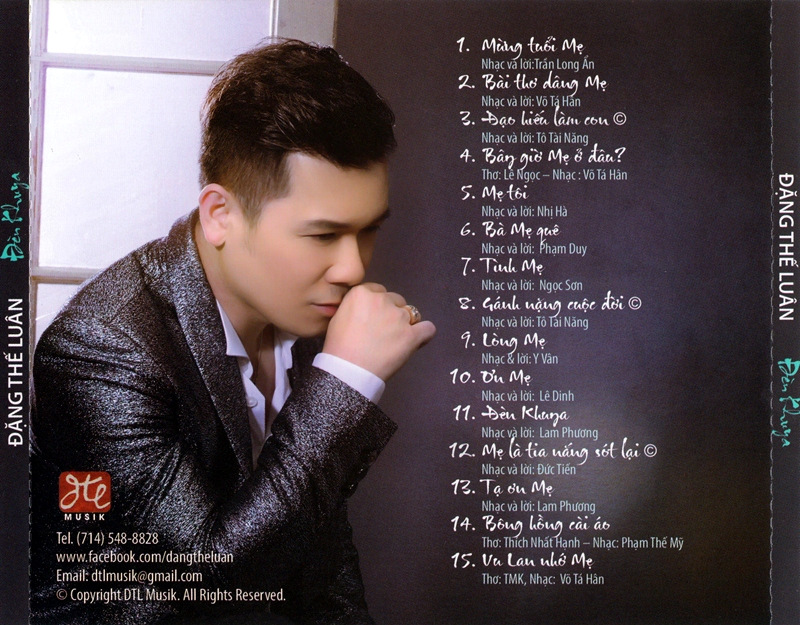
    01 - Đi Xa 02 - Lòng Mẹ 03 - Mẹ Hiền Yêu Dấu (Maman) 04 - Trong Tim Luôn Có Mẹ 05 - Vu Lan Bên Mẹ 06 - Gặp Mẹ Trong Mơ (Meng Zhong De E Ji) 07 - Mẹ Ơi Có Biết 08 - Bông Hồng Cài Áo 09 - Khi Mẹ Khóc 10 - Lời Ru Cho Con 11 - Mẹ Ơi, Con Về

Account

Navigation

Search

Search

Configure browser push notifications

Chrome (Android)
  1. Tap the lock icon next to the address bar.
  2. Tap Permissions → Notifications.
  3. Adjust your preference.
Chrome (Desktop)
  1. Click the padlock icon in the address bar.
  2. Select Site settings.
  3. Find Notifications and adjust your preference.