

Skip to content
View in the app

A better way to browse. Learn more.

amnhac.me

A full-screen app on your home screen with push notifications, badges and more.

To install this app on iOS and iPadOS
  1. Tap the Share icon in Safari
  2. Scroll the menu and tap Add to Home Screen.
  3. Tap Add in the top-right corner.
To install this app on Android
  1. Tap the 3-dot menu (⋮) in the top-right corner of the browser.
  2. Tap Add to Home screen or Install app.
  3. Confirm by tapping Install.
ĐĂNG KÝ THÀNH VIÊN

Joker

Quản Trị
  • Joined

Everything posted by Joker

    • 0 downloads
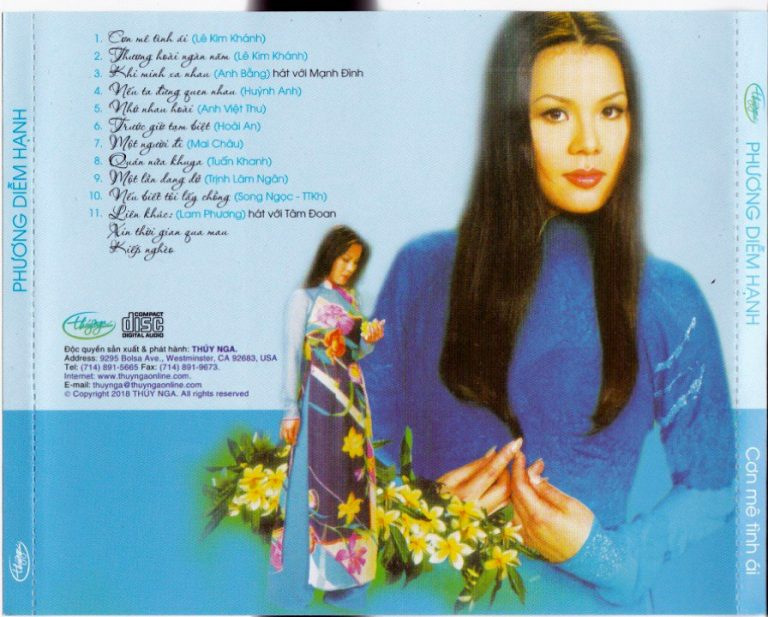
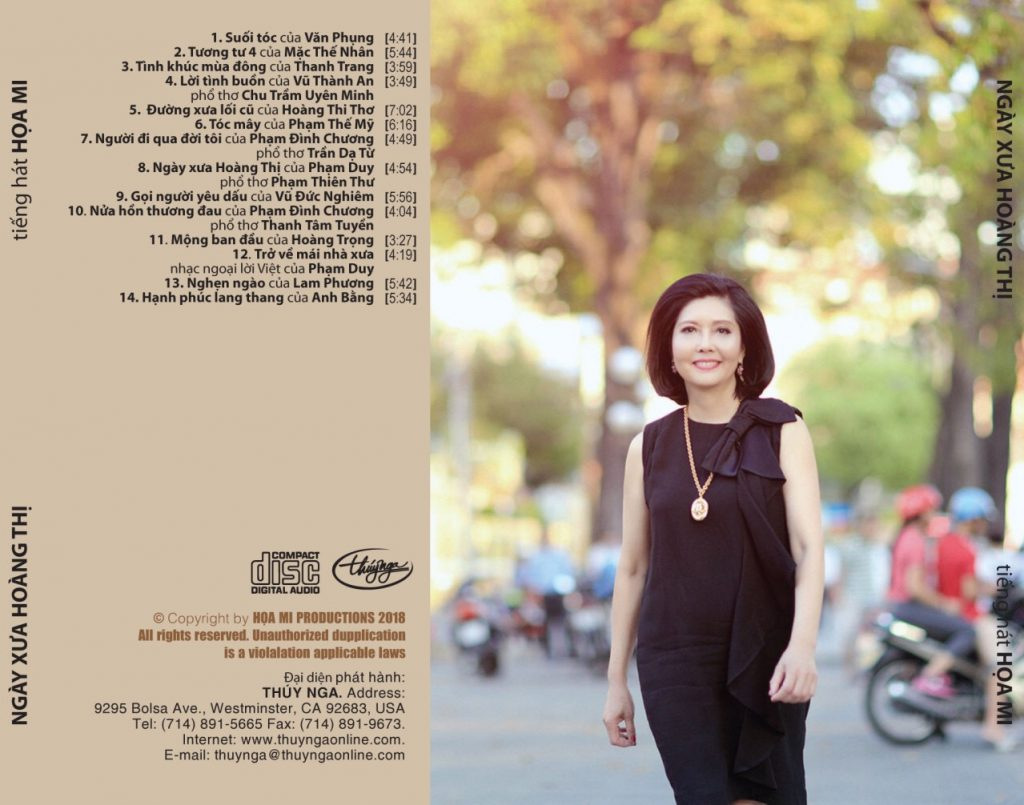
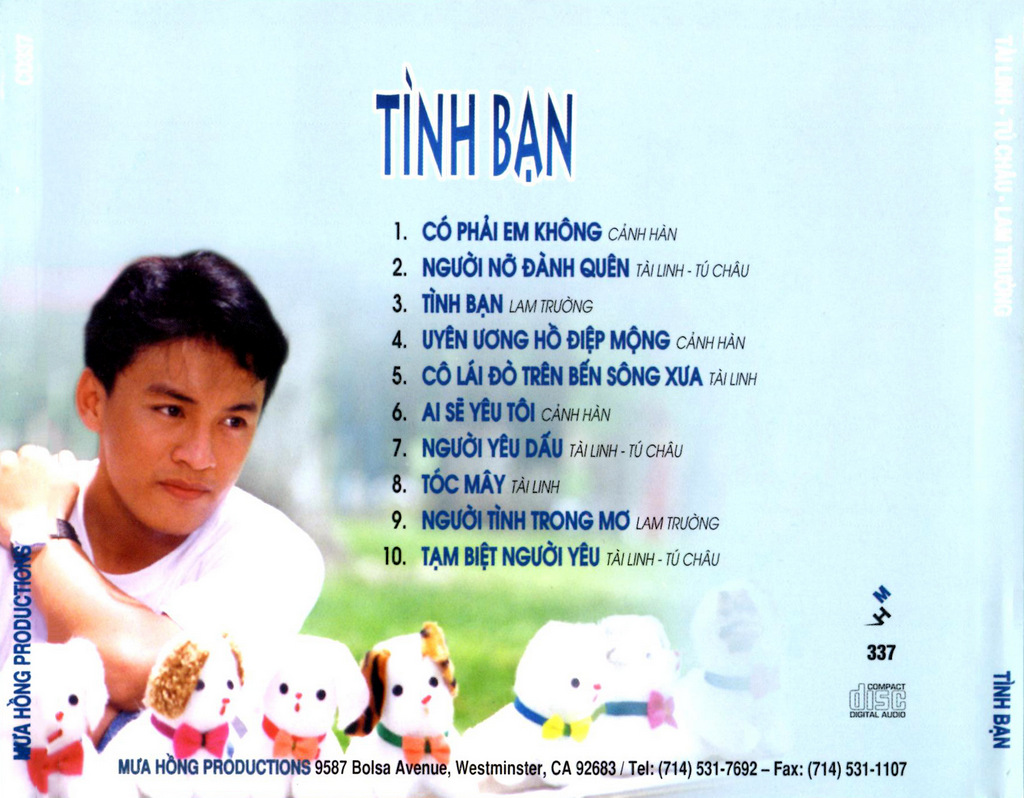
    01 - Người Đi Ngoài Phố (Anh Việt Thu, Thúy Huyền) 02 - Đồi Thông Hai Mộ (Hồng Vân, Thúy Huyền) 03 - Đừng Nhắc Chuyện Lòng (Đài Phương Trang, Thúy Huyền) 04 - Lẻ Bóng (Anh Bằng, Thúy Huyền) 05 - Loài Hoa Không Vỡ (Phan Mạnh Cương, Thúy Huyền) 06 - Một Lần Dở Dang (Nhật Ngân, Thúy Huyền) 07 - Nếu Đời Không Có Anh (Hoàng Trang, Thúy Huyền) 08 - Khuya Nay Anh Đi Rồi (Châu Kỳ, Thúy Huyền)

Account

Navigation

Search

Search

Configure browser push notifications

Chrome (Android)
  1. Tap the lock icon next to the address bar.
  2. Tap Permissions → Notifications.
  3. Adjust your preference.
Chrome (Desktop)
  1. Click the padlock icon in the address bar.
  2. Select Site settings.
  3. Find Notifications and adjust your preference.