

Skip to content
View in the app

A better way to browse. Learn more.

amnhac.me

A full-screen app on your home screen with push notifications, badges and more.

To install this app on iOS and iPadOS
  1. Tap the Share icon in Safari
  2. Scroll the menu and tap Add to Home Screen.
  3. Tap Add in the top-right corner.
To install this app on Android
  1. Tap the 3-dot menu (⋮) in the top-right corner of the browser.
  2. Tap Add to Home screen or Install app.
  3. Confirm by tapping Install.
ĐĂNG KÝ THÀNH VIÊN

Joker

Quản Trị
  • Joined

Everything posted by Joker

    • 0 downloads
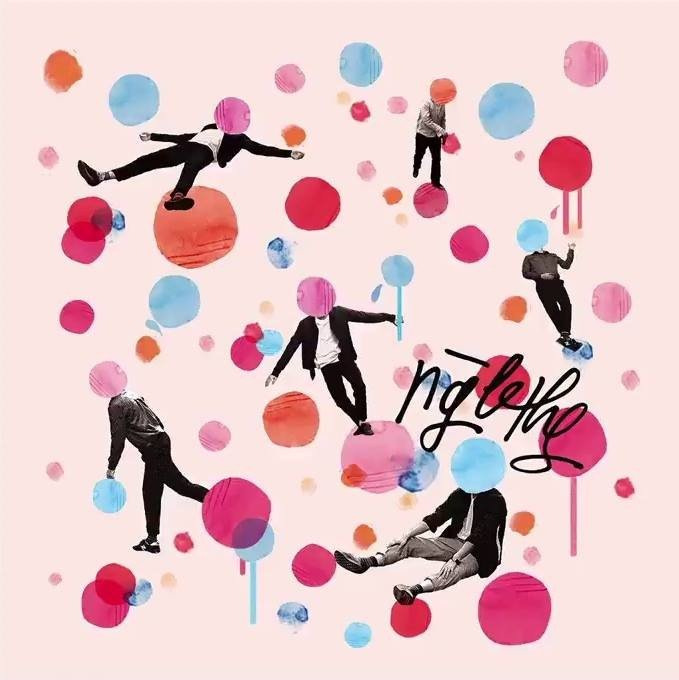
    01. XinCho Tôi 02. Cho 03. Kho Báu 04. Kẻ Thù 05. Bartender 06. Mèo Hoang 07. Em Dạo Này 08. Một Ngày Không Mưa
    • 0 downloads
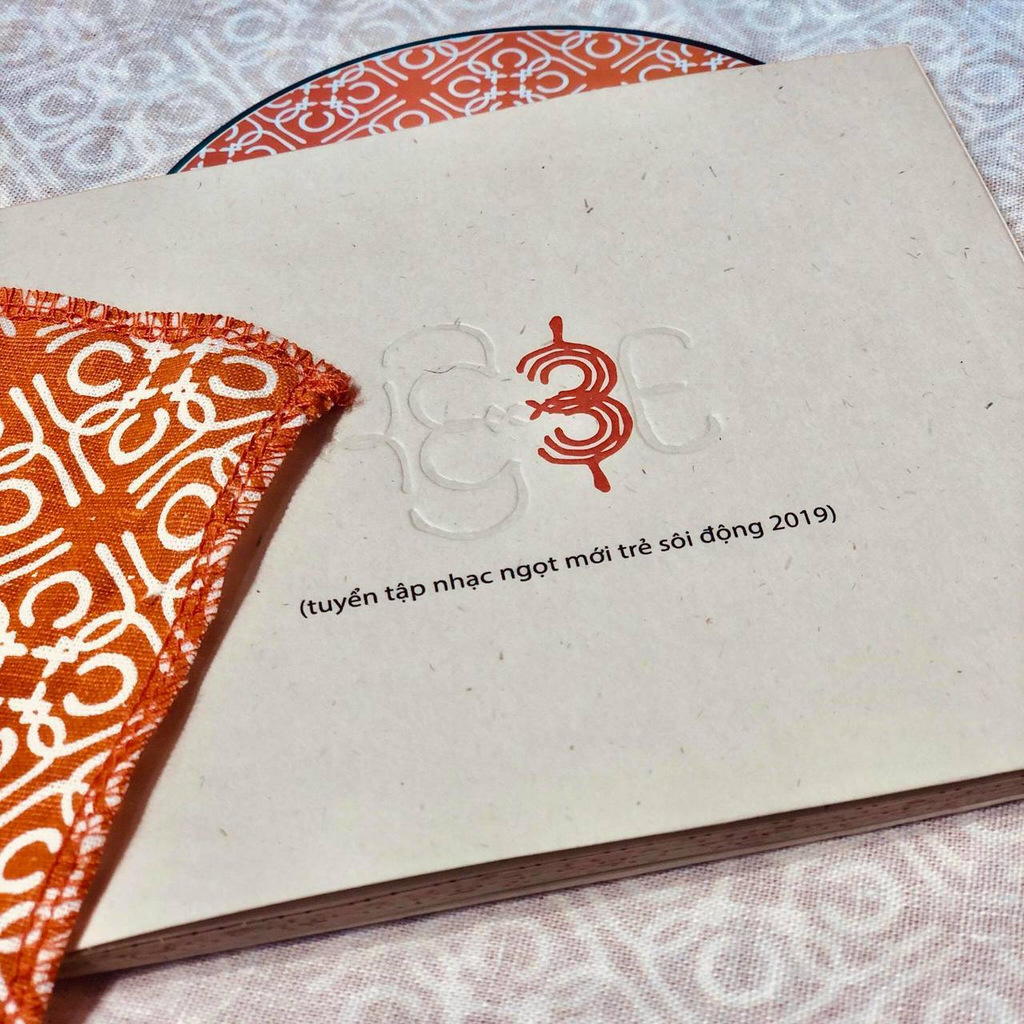
    01. MÀU (đen trắng) 02. MẾU MÁO (T.T) 03 EM CÓ CHẮC KHÔNG (.) (bài ca rebound) 04. GIẢ VỜ 05. CHUÔNG BÁO THỨC (sáng rồi) 06. (sau đây là) DỰ BÁO THỜI TIẾT (cho các vùng ngày mai) 07. CHUYỂN KÊNH (sản phẩm này không phải là thuốc) 08. HẾT THỜI 09. VÉ ĐI THIÊN ĐƯỜNG (một chiều) 10. (tôi) ĐI TRÚ ĐÔNG 11. (bé) 12. LẦN CUỐI (đi bên em xót xa người ơi) 13. NỨT (đôi chân đôi tay đôi mắt trái tim) 14. RU MÌNH

Account

Navigation

Search

Search

Configure browser push notifications

Chrome (Android)
  1. Tap the lock icon next to the address bar.
  2. Tap Permissions → Notifications.
  3. Adjust your preference.
Chrome (Desktop)
  1. Click the padlock icon in the address bar.
  2. Select Site settings.
  3. Find Notifications and adjust your preference.