


Album
16,271 files
-
- 2 Downloads
Updated -
- 0 Downloads
Updated -
- 0 Downloads
Submitted -
- 0 Downloads
Submitted -
- 0 Downloads
Updated -
- 2 Downloads
Updated -
- 4 Downloads
Updated -
- 20 Downloads
Updated -
- 0 Downloads
Submitted -
- 0 Downloads
Submitted -
- 1 Downloads
Submitted -
- 0 Downloads
Submitted -
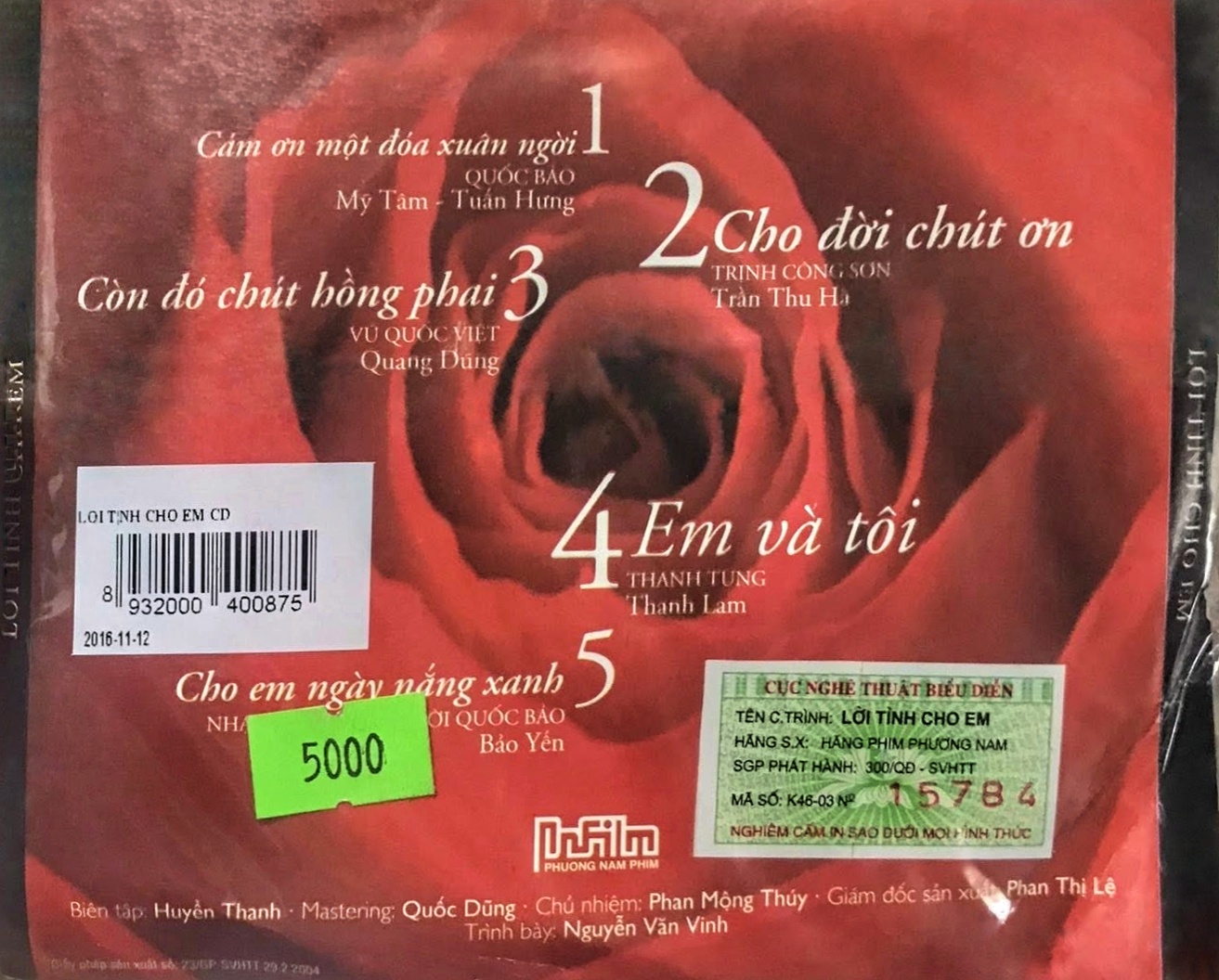
- mỹ tâm
- tuấn hưng
- quang dũng
- bảo yến
-
Tagged with:
- 0 Downloads
Submitted -
- 0 Downloads
Submitted -
- 0 Downloads
Submitted -
- 0 Downloads
Updated -
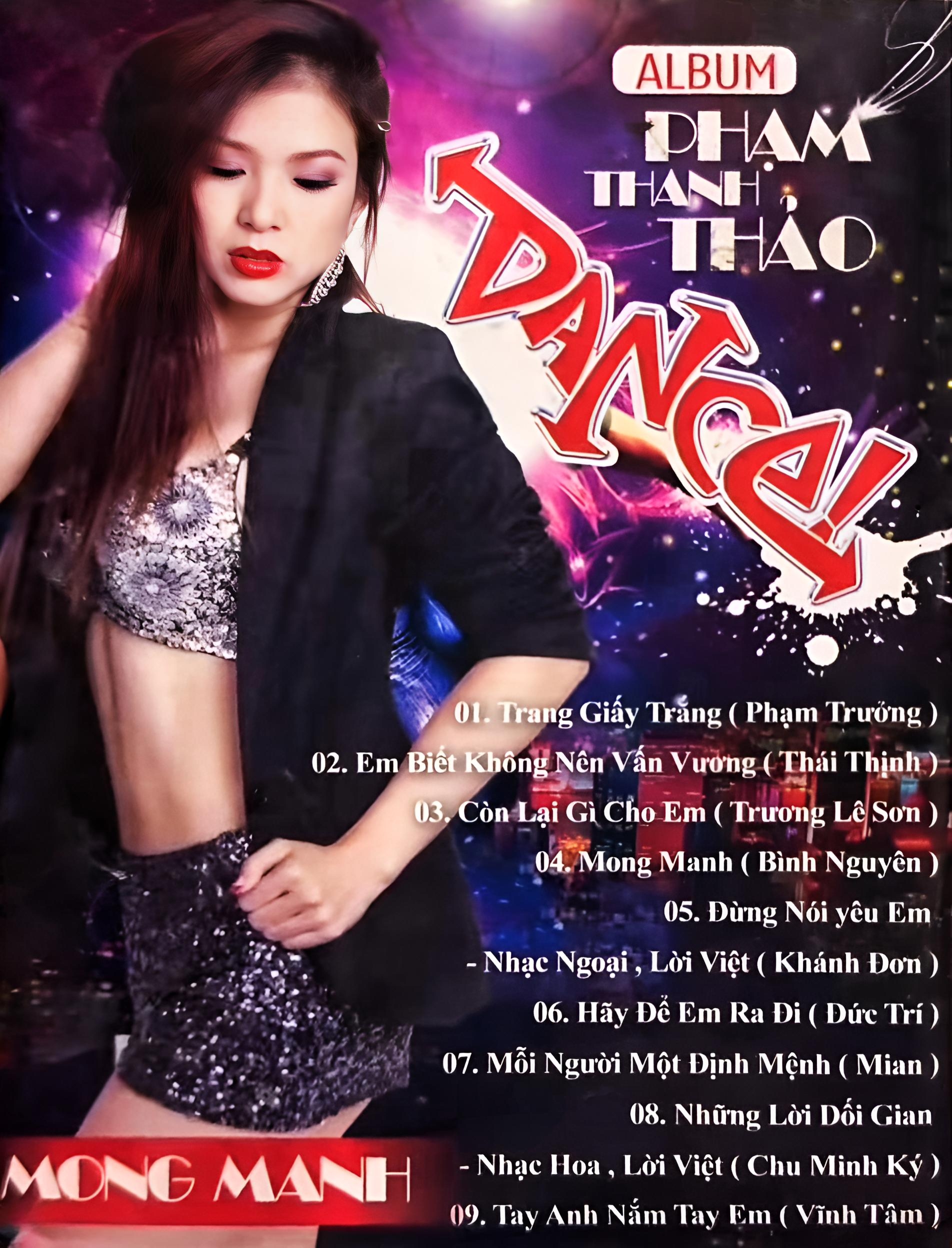
01. Trang Giấy Trắng
02. Em Biết Không Nên Vấn Vương
03. Còn Lại Gì Cho Em
04. Mong Manh
05. Đừng Nói Yêu Em
06. Hãy Để Em Ra Đi
07. Mỗi Người Một Định Mệnh
08. Những Lời Dối Gian
09. Tay Anh Nắm Tay Em- 0 Downloads
Submitted -
01 Liên Khúc_ Được Mùa, Quê Nghèo & Đi Đâu Cho Thiếp Theo Cùng
02 Từ Giọng Hát Em (feat. Thiên Tôn)
03 Ngày Nào Tình Tôi
04 Đêm Tâm Sự
05 Liên Khúc_ Mảnh Tình Thương & Thu Sầu (feat. Quang Lê)
06 Liên Khúc_ Tạm Biệt Huế & Áo Hoa (feat. Quang Lê)
07 Mùa Hoa Trở Lại
08 Cho Tôi Lại Từ Đầu
09 Ai Xuôi Vạn Lý
10 Tình Khúc Thứ Nhất
11 Muôn Vàn Khuôn Mặt
12 Chỉ Còn Là Hồi Ức- 0 Downloads
Submitted -
- 0 Downloads
Submitted -
- 0 Downloads
Updated -
- 0 Downloads
Submitted -
- 0 Downloads
Submitted -
- 0 Downloads
Submitted -
- 3 Downloads
Updated