


Album
16,271 files
-
- 0 Downloads
Submitted -
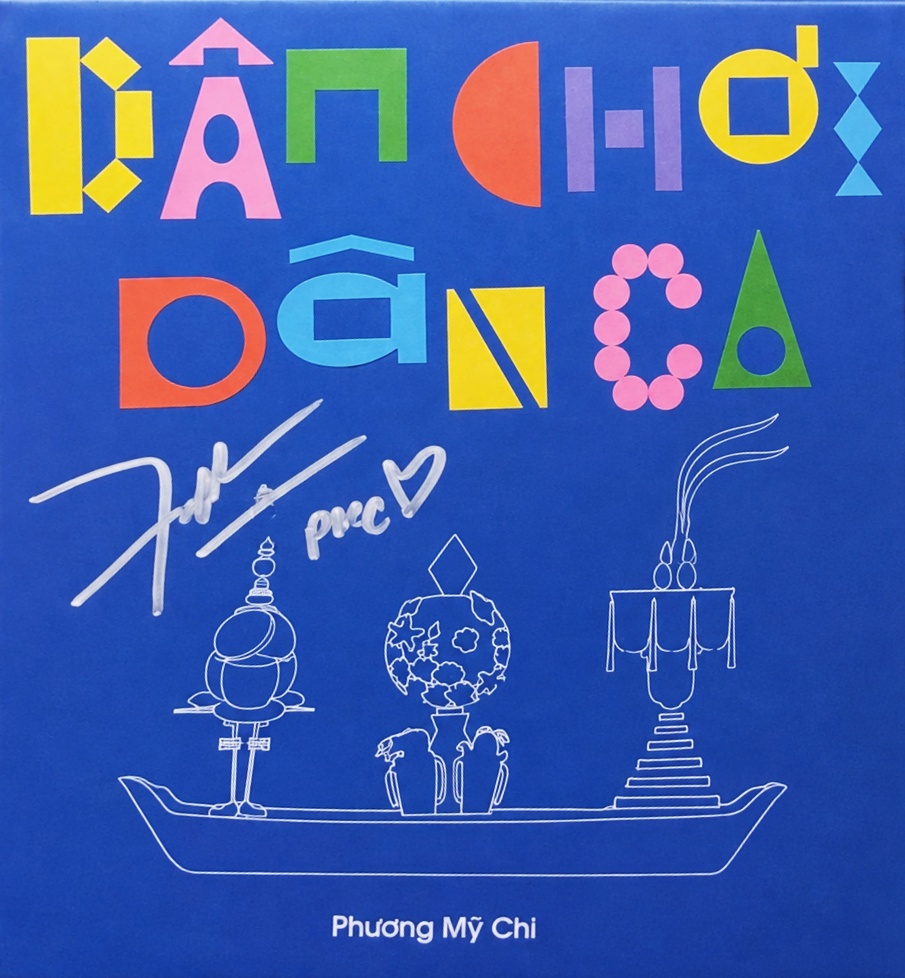
01 - Dân Chơi Dân Ca
02 - Chọn Mặt Gửi Vàng
03 - Thử Lòng Quân Tử
04 - Ưng Cái Bụng
05 - Nữ Công Gia Chánh
06 - Liễu Yếu Đào Tơ
07 - Thiên Đường Với Người Thương
08 - Dắt Anh Chơi Hội
09 - Có Nhau
10 - Xây Xẩm- 0 Downloads
Submitted -
- 0 Downloads
Submitted -
- 0 Downloads
Submitted -
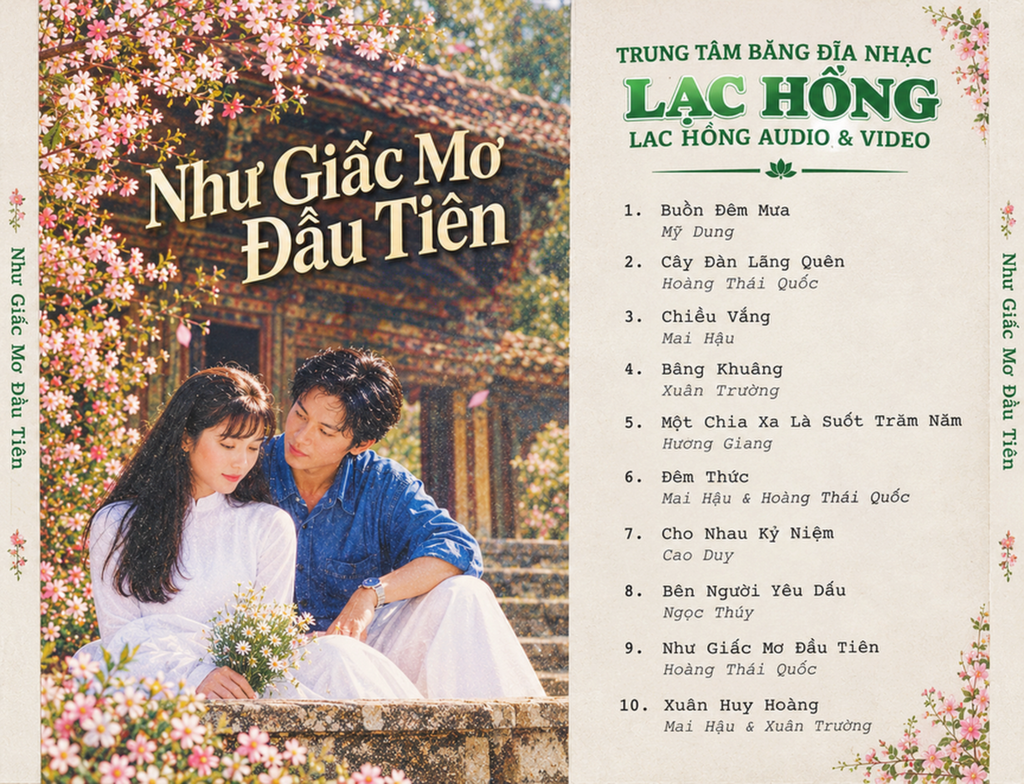
- mỹ dung
- xuân trường
- mai hậu
- hương giang
-
Tagged with:
- 0 Downloads
Submitted -
- 0 Downloads
Updated -
- 0 Downloads
Submitted -
- 0 Downloads
Submitted -
- 0 Downloads
Submitted -
- 0 Downloads
Submitted -
- 0 Downloads
Updated -
- 0 Downloads
Submitted -
- 0 Downloads
Submitted -
- 3 Downloads
Updated -
- 0 Downloads
Submitted -
- 0 Downloads
Submitted -
- 0 Downloads
Submitted -
- 0 Downloads
Submitted -
- 0 Downloads
Submitted -
- 0 Downloads
Submitted -
- 0 Downloads
Updated -
- 0 Downloads
Submitted -
- 4 Downloads
Updated -
- 1 Downloads
Updated