


Videos
673 files
-
- 0 Downloads
Submitted -
- 0 Downloads
Submitted -
- 0 Downloads
Submitted -
- 0 Downloads
Submitted -
- 0 Downloads
Submitted -
- 0 Downloads
Updated -
- 0 Downloads
Submitted -
- 1 Downloads
Submitted -
- 0 Downloads
Submitted -
- 0 Downloads
Updated -
- 1 Downloads
Updated -
- 0 Downloads
Submitted -
- 0 Downloads
Submitted -
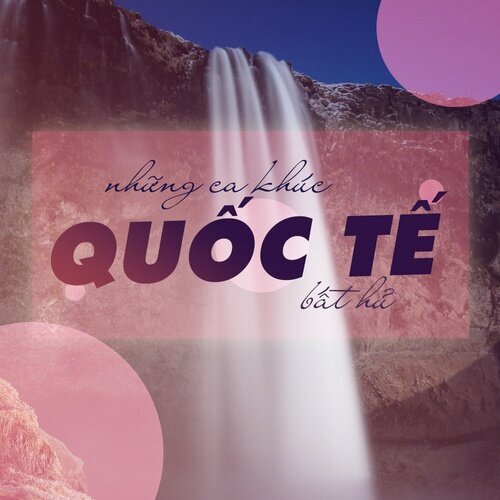
Dưới đây là trọn bộ âm nhạc quốc tế thập niên 80-2000. Mỗi video clips được tách từ nguồn DVD, Blu-ray với định dạng VOB, m2ts, hy vọng làm quý bạn hài lòng
- 1 Downloads
Updated -
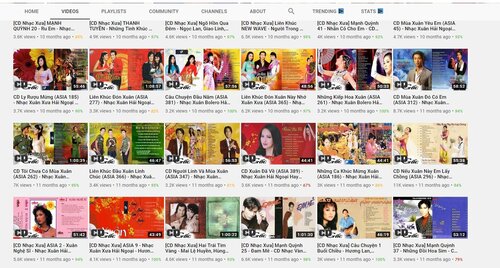
Dưới đây là trọn bộ chương trình ca nhạc của trung tâm Asia. Định dạng mkv với chất lượng tốt nhất.
P/S: Mật khẩu truy cập suutap.me. Vui lòng để lại nguồn khi chia sẻ đến các trang mạng khác.
- 2 Downloads
Updated -
- 0 Downloads
Submitted -
- 0 Downloads
Submitted -
- 0 Downloads
Submitted -
- 0 Downloads
Submitted -
- 0 Downloads
Submitted -
- 0 Downloads
Submitted -
- 1 Downloads
Submitted -
- 0 Downloads
Submitted -
- 0 Downloads
Submitted -
- 0 Downloads
Submitted